 Web DevelopmentResponsive Website Design: Web Page Design Ideas That Work on Every ScreenHow responsive design works and the web page design ideas that hold up on phones, tablets and desktops.
UI and UX Design Explained: What User Interface Design Means for Your Website and App
What UI and UX design mean for your website or app, and how the design process works.
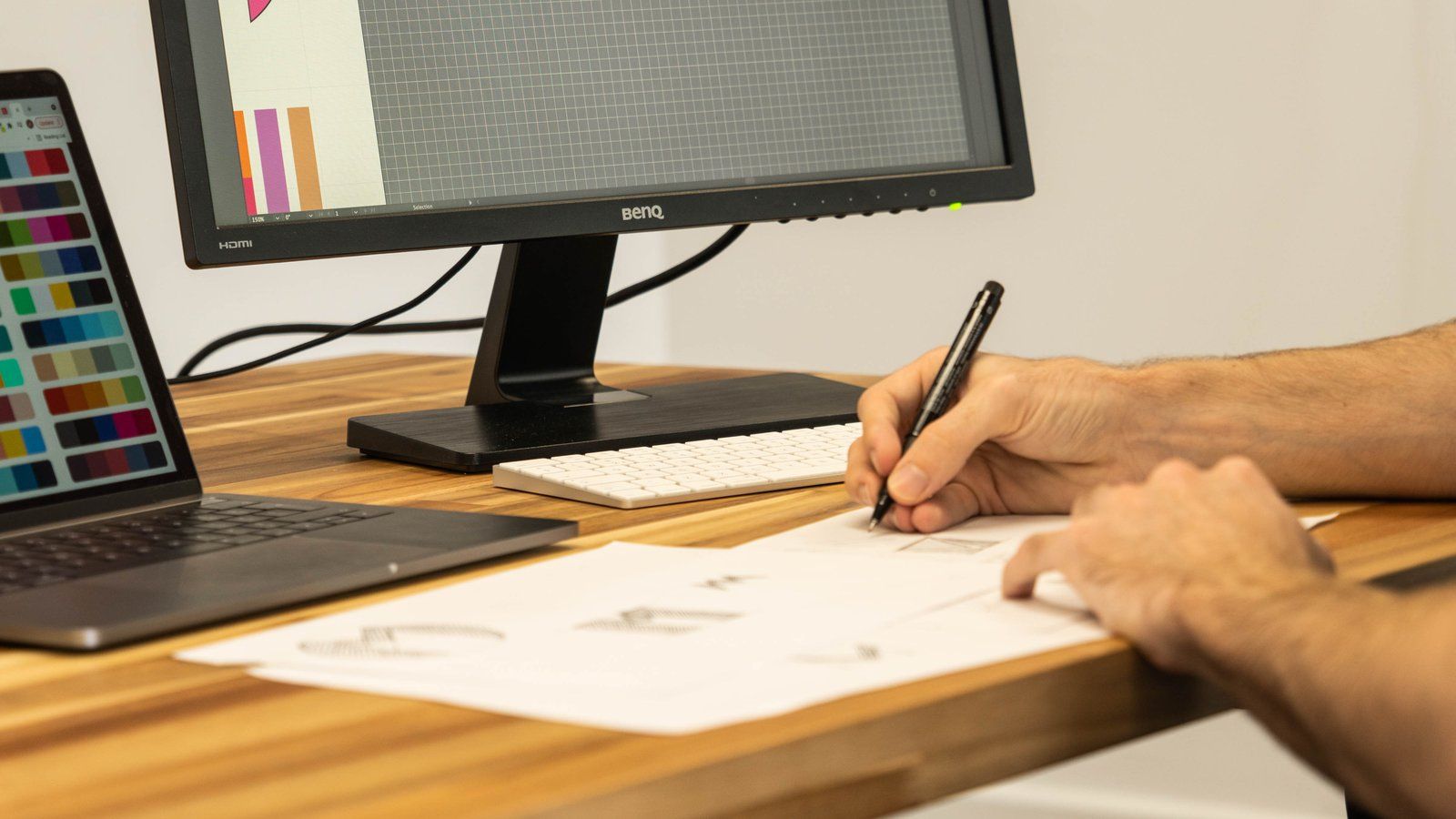
UI design is the design of everything a person sees and touches on a screen: layout, buttons, menus, forms, type, colour and icons. UX design is the wider work of making the product useful and easy, from research and structure to testing, so UI is the part of UX you can see. For a website or app, good UI design means visitors find what they need, trust what they see and complete the task they came for, whether that is booking, buying or enquiring.
Many UAE business owners meet these terms when a quote arrives with a line for "UI/UX" and no explanation. Others have a site that looks attractive but produces few enquiries, or an app with poor reviews because people cannot work out how to use it. This guide explains what the terms mean, how the design process runs, how app and web interfaces differ, what Arabic and accessibility add, and how to brief a design team so you get what you pay for.
UI meaning: what a user interface actually is
If you are asking what is user interface, the short answer is the point where a person and a piece of software meet. On a website, that is the pages, navigation, forms and buttons. In a mobile app, it is the screens, tab bars, gestures and notifications. On a kiosk or a dashboard, it is the touch targets, charts and controls.
The UI meaning in everyday use has settled on the visual and interactive layer. A UI designer decides how big the main button is, what colour it uses, where it sits, what it says, how it behaves when tapped and what message appears when something goes wrong. User interface design turns a structure into something people can see and use.
What UX covers that UI does not
UX, or user experience, asks the questions that come before the screens. Who are the users? What are they trying to do? What gets in their way? Which tasks matter most, and in what order should they happen? UX work produces research notes, user flows, site maps, wireframes and test findings. UI work turns those into polished, consistent screens and a component library developers can build from.
| Area | UX focus | UI focus |
|---|---|---|
| Main question | Does this solve the user's problem in a sensible way? | Is it clear, consistent and pleasant to use on screen? |
| Typical outputs | Research summaries, personas, user flows, site maps, wireframes, test reports | Visual designs, style guides, components, icons, prototypes, interaction specs |
| Measured by | Task success, drop off points, support requests, conversions | Readability, consistency, accessibility, how quickly users recognise what to do |
| Common failure | Building the wrong thing, or the right thing in the wrong order | Pretty screens that hide key actions or confuse on small phones |
In practice, small teams often have one person doing both, and larger projects split them. What matters is that both kinds of thinking happen.
The UX design process, step by step
The UX design process varies between teams, but most good projects follow a similar sequence. The user experience design process below suits a business website, a customer portal or a mobile app.
- Discovery. Agree business goals, target users, constraints and what success looks like. Review analytics, support tickets and sales questions if you have them.
- Research. Talk to real customers or staff who deal with them. Watch how people use your current site or a competitor's, without naming them in public. Note where they hesitate.
- Structure. Map the pages or screens, the navigation and the main user flows, such as "find a service and request a quote" or "sign up and complete the first booking".
- Wireframes. Draw simple grey layouts that show content and priority without colour or imagery, so everyone debates structure rather than taste.
- Prototype and test. Link wireframes or early designs into a clickable prototype and test it with a handful of real users. Fix what trips them up.
- Visual design. Apply the brand: typography, colour, imagery, spacing, icons and states for every component.
- Handover. Prepare a design system and annotated screens so developers build exactly what was designed, including mobile, error and empty states.
- Measure and improve. After launch, review analytics and feedback, then refine the screens that cause drop off.
Why the early steps save money
Changing a wireframe takes minutes. Changing a built screen takes developer time, testing and sometimes a database change. Skipping research and structure to "get to the design" usually means paying for the same decisions twice. If a supplier proposes going straight to polished visuals with no discovery or testing, ask how they will know the design works.
How long does each step take?
It depends on scope. A brochure website with a clear brief may move through discovery and wireframes quickly. A booking app with several user types, payments and an admin panel needs more research and testing. Ask any team to show the steps in their proposal and what you will review at each one.
App UI design versus web interface design
Websites and apps share principles, but the context differs. App UI design works within platform conventions set by Apple and Google, while web design has to work across many browsers and screen sizes.
| Factor | Mobile app interface | Website interface |
|---|---|---|
| Navigation | Tab bars, gestures, back behaviour set by iOS and Android | Menus, links, breadcrumbs and the browser back button |
| Screen sizes | A known range of phones and tablets | Everything from small phones to wide desktop monitors |
| First visit | User has already installed the app, so intent is high | Visitor may have arrived from search or an ad with low commitment |
| Device features | Camera, biometrics, push notifications, offline use | Limited device access; relies more on forms and email |
| Updates | Released through app stores | Changes go live as soon as they are deployed |
What good app interface design gets right
Strong app interface design respects what people already know. iPhone users expect certain gestures and controls to behave the iPhone way, and Android users expect theirs. Fighting those habits makes an app feel awkward. Good app designs also keep key actions within thumb reach, use clear labels alongside icons, show progress during longer tasks and handle poor connections gracefully, which matters for users moving between buildings, car parks and metro stations.
App design online tools and their limits
Searching for app design online brings up many tools that let anyone drag screens together. They are useful for sketching ideas and sharing a rough concept with a developer. They do not replace research, testing or a consistent design system, and a generated layout will not know your customers, your Arabic content or your business rules. Treat them as a starting sketch rather than a finished product.
Interface design for Arabic and English users
For many UAE products, interface design has to work in two languages and two reading directions. Arabic reads right to left, so the whole layout mirrors: navigation moves to the right, back arrows point the other way, progress bars fill from right to left and form labels align right.
- Choose an Arabic typeface designed for screens, paired carefully with the Latin font so the two feel related.
- Allow for text length changes; Arabic and English labels rarely take the same space.
- Check which icons should flip. Arrows and chevrons usually do; a phone or search icon usually does not.
- Keep phone numbers, prices, dates and product codes readable and consistent in both versions.
- Design both languages from the start, rather than flipping the English layout at the end.
Our guide to bilingual Arabic and English website design covers RTL layout in detail, and if your brand mark also needs an Arabic version, see our article on bilingual brand identity.
Accessibility is part of UI design
An accessible interface works for people with visual, hearing, motor or cognitive impairments, and it tends to be easier for everyone else too. Clear contrast helps on a sunny day outdoors, large tap targets help anyone using a phone one handed, and plain labels help visitors reading in their second language, which is common in the UAE.
Accessibility basics to ask for
- Text and buttons with enough contrast against their background.
- Every image that carries meaning has a text alternative.
- Forms with visible labels, clear error messages and no reliance on colour alone.
- Everything usable by keyboard and screen reader, with a visible focus state.
- Tap targets large enough for fingers, with space between them.
- No content that flashes or moves in ways users cannot pause.
The Web Content Accessibility Guidelines are the international reference most teams design to. Our article on website accessibility in the UAE explains what applies locally.
How interface choices affect enquiries and sales
For a business, interface decisions show up as numbers. A buried "request a quote" button means fewer quotes. A checkout that asks for an account before payment means abandoned carts. A booking form that rejects a valid UAE mobile number means lost appointments and frustrated customers who never tell you why they left.
Small interface fixes often bring the quickest gains: clearer headings, fewer form fields, stronger contrast on the main button, honest labels instead of clever ones, and visible trust signals near the point of decision. Our conversion teardown reviews an existing site screen by screen for exactly these issues. For campaign pages specifically, see our landing page design guide, and for stores, our guide to ecommerce homepage design.
How to brief a UI and UX design team
A good brief saves weeks of back and forth. It does not need to be long, but it should answer the questions every designer will ask. Our website design brief template gives you a ready structure; the checklist below covers the essentials for interface work.
Brief checklist
- Business goal. What should the site or app achieve, such as more qualified enquiries, online bookings or fewer support calls?
- Users. Who uses it, in which language, on which devices, and what do they most need to do?
- Current problems. Where do people get stuck today? Share analytics, complaints and sales feedback.
- Scope. List the pages or screens, user types and features, including admin areas.
- Brand assets. Logo files, colours, fonts, photography and any existing guidelines in Arabic and English.
- References. Interfaces you like and dislike, with a sentence on why for each.
- Constraints. Platform, integrations, payment providers, legal requirements and launch dates.
- Decision makers. Who approves designs, and how feedback will be collected.
What to expect back from the team
Ask for a clear list of deliverables: research summary, site map or app flow, wireframes, clickable prototype, final screens for mobile and desktop, a component library, and handover files for developers. Ask how many review rounds are included and what happens if you need more. Confirm in the contract that you own the final design files; our article on website development contracts and IP ownership explains what to look for.
How Codeeo approaches UI and UX design in Dubai
Codeeo designs and builds websites, ecommerce stores, landing pages and brand assets for UAE businesses, in Arabic and English, with SEO and speed built in. Our designers and developers work as one team, so the interfaces we design are built as drawn, and the components carry through from the first wireframe to the live site or app.
- 200+ projects delivered across the UAE and the US.
- A team of 80+ across Dubai, Riyadh and Karachi.
- Rated 4.7 from 23 Google reviews.
- An office in Dubai, so you can meet the team in person.
Explore our design services, web development, mobile app development and custom software teams, or see how layouts adapt across devices in our guide to responsive website design.
Planning a new website or app, or fixing one that confuses users? Contact Codeeo to talk through your project and get a clear proposal.
Frequently asked questions
UI stands for user interface.
In web design it means the visible, interactive parts of a site: the layout, navigation, buttons, forms, typography, colours and icons, and how they respond when someone clicks or taps. A good interface makes it obvious what to do next and gives clear feedback, so visitors can complete their task without guessing or giving up.
Web DevelopmentResponsive Website Design: Web Page Design Ideas That Work on Every ScreenHow responsive design works and the web page design ideas that hold up on phones, tablets and desktops. Web DevelopmentHow to Make a Website for Your Business in the UAE: A Step by Step GuideA step by step guide to making a business website in the UAE, and when to bring in help.
 Web DevelopmentAI Website Builder or Web Design Agency? An Honest Guide for UAE BusinessesAn honest comparison of AI website builders and web design agencies for UAE businesses.
Tell us what the business needs. We will tell you what to build first.
Schedule a free consultation and get a written recommendation, with costs, before you commit to anything.
Get in touchPROVEN RESULTS
4.7 / 5verified reviews on Google