 Digital TransformationReplatforming From Drupal, AEM or .NET Without DowntimeWebsite replatforming from Drupal, AEM or .NET without downtime: choose the target platform, run delta content syncs, plan the cutover and test your rollback.
CodeeoInsightsDigital Transformation
Kubernetes, VPS or Shared Hosting: Matching Hosting to the Workload
Kubernetes vs VPS hosting vs shared hosting: a plain workload matrix showing which model fits your website or app, and when Kubernetes is simply overkill.
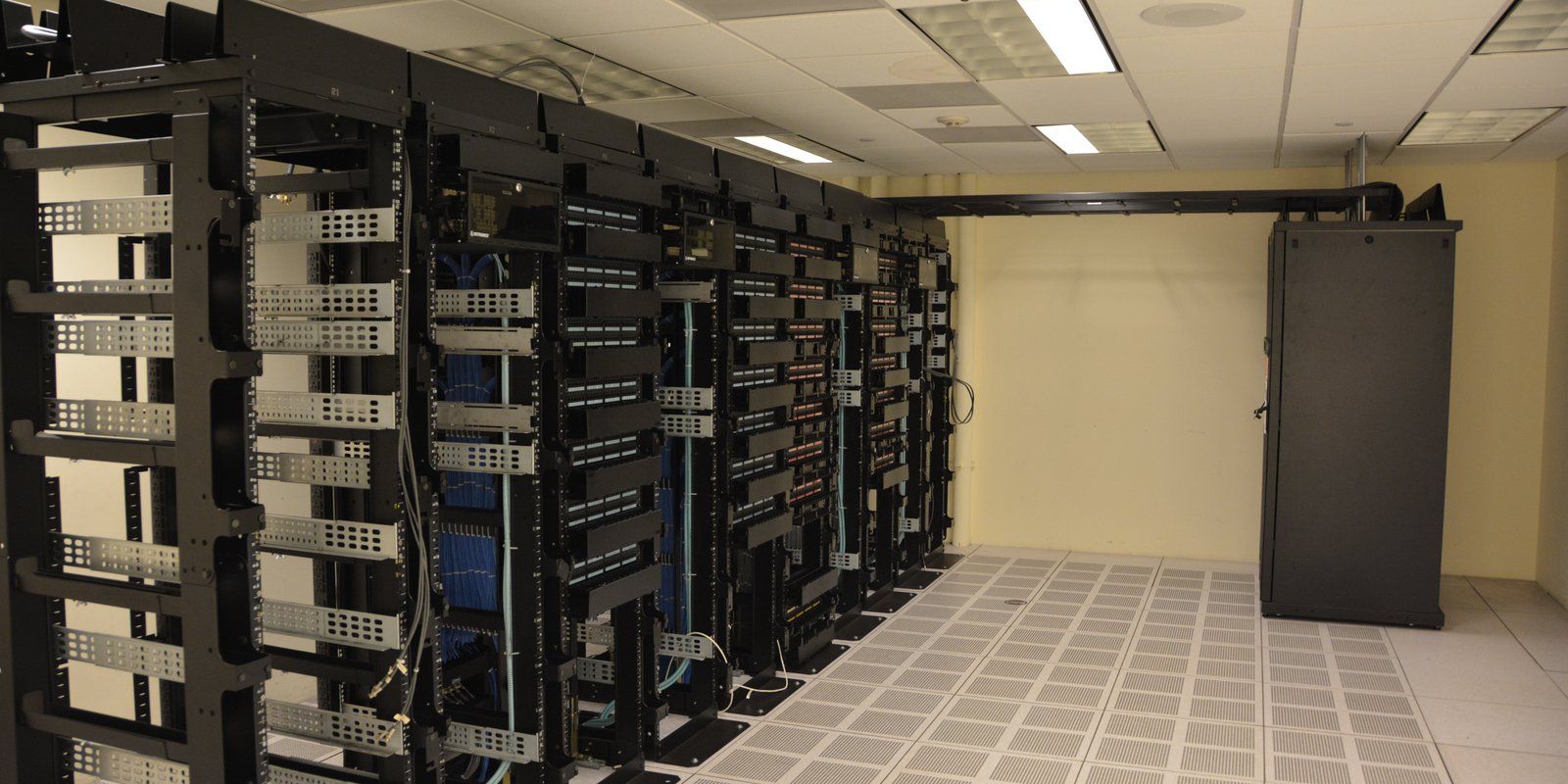
The kubernetes vs vps hosting question is really a question about the workload: how much traffic it carries, how many moving parts it has and how many people are available to run it. A single company website rarely needs Kubernetes, while a platform made of many services with spiky demand often does. Shared hosting, a VPS and a container platform each suit a different shape of application, and choosing the wrong one costs either reliability or money.
Three hosting models in plain terms
Before comparing them, it helps to be precise about what each model actually gives you and what it leaves for your team to do.
Shared hosting
Shared hosting places many websites on the same server, managed by the hosting company. You get a control panel, a database and an allocation of storage, but you share processor, memory and network with every other tenant on the machine. The provider handles the operating system, patching and the web server. That convenience comes with limits: little control over server configuration, unpredictable performance when a neighbour gets busy, and restrictions on long running processes or custom software.
VPS hosting
A virtual private server gives you a slice of a physical machine with its own guaranteed resources and full administrative access. VPS hosting suits applications that need a specific runtime, background workers, scheduled jobs or tuned caching. The trade is responsibility. Unless you buy a managed VPS, your team installs updates, configures the firewall, sets up backups and responds when the server runs out of memory at night.
Kubernetes
Kubernetes is an open source platform for running containerised workloads. According to the Kubernetes documentation, it restarts or replaces failed containers, scales workloads horizontally, rolls out and rolls back releases, and handles service discovery and load balancing. It does not make an application faster by itself. It makes many components easier to run consistently, provided someone understands how to operate the cluster.
Kubernetes vs VPS hosting: the workload matrix
The table below maps common workload types to the hosting model that usually fits. Treat it as a starting point for discussion with your technical team, not a rule.
| Workload | Usually fits | Why |
|---|---|---|
| Brochure site for a small business, low traffic | Shared or managed WordPress hosting | Few moving parts; the provider handles the server and the site needs little tuning. |
| Corporate website with forms, CRM integration and steady traffic | Managed VPS or managed platform hosting | Needs predictable resources, staging, backups and control over caching, but not orchestration. |
| Ecommerce store with campaign peaks | Managed platform, or VPS with a CDN and autoscaling options | Peaks matter more than averages; checkout must stay up during sales. |
| Web app with an API, background workers and a mobile client | VPS cluster or managed containers | Several processes to coordinate; containers help keep environments consistent. |
| Multi service platform, several teams, frequent releases | Managed Kubernetes | Independent deployments, scaling per service and automated recovery justify the overhead. |
| Regulated workload with data residency requirements | Depends on region and provider controls | Location and contractual controls decide first; the hosting model comes second. |
The pattern is simple. As the number of independent services, teams and release cycles grows, orchestration starts to pay for itself. Below that point, it mostly adds work.
When Kubernetes is overkill
Kubernetes is often chosen because it sounds like the serious option. For many UAE businesses running a marketing site or a mid sized store, it is the wrong tool. Watch for these signals.
- One application, one database. If the site is a single codebase talking to a single database, a well configured VPS or managed platform will run it with far fewer components to monitor.
- No one to own the cluster. Clusters need upgrades, access control, network policies and monitoring. If no engineer has that in their role, the cluster will drift out of date.
- Traffic is steady. Automatic scaling is a strong reason to adopt containers. If demand barely changes month to month, the benefit is small.
- Releases are monthly or less. Rolling deployments and rollbacks matter most when teams ship often.
- The real problem is performance. Slow pages are usually caused by heavy front end code, unoptimised images or slow database queries. Moving to Kubernetes will not fix those.
Hypothetical example: a Dubai trading company runs a bilingual corporate site with a product catalogue and an enquiry form. A consultant proposes a Kubernetes cluster with separate services for search, forms and content. The result would be four or five components to patch and monitor, for a site that receives modest, predictable traffic. A managed VPS with a CDN, daily backups and a staging copy would deliver the same experience with a fraction of the operational effort.
When Kubernetes earns its place
There are workloads where orchestration is the sensible choice rather than an indulgence.
- Several services owned by different teams that need to deploy independently.
- Demand that swings sharply, such as booking platforms around holidays or apps tied to live events.
- Background processing, queues and scheduled jobs that must recover automatically if they fail.
- A need for identical environments from development to production, so releases behave predictably.
- A platform team, internal or contracted, that already operates containers day to day.

Applications with a mobile front end are a good illustration. The app talks to an API, the API talks to a database and possibly to notification and payment services, and usage can rise quickly after a launch or a school term starts. That combination of parts and variable load is where containers, and eventually orchestration, start to make sense.
Managed Kubernetes: AKS and EKS reduce the burden, not remove it
If Kubernetes is the right fit, a managed service is usually the sensible route. Managed Kubernetes on AKS or EKS means the cloud provider runs part of the platform for you. Microsoft's AKS overview explains that Azure creates and manages the cluster control plane, and that an Automatic mode extends management to nodes, scaling and upgrades. The Amazon EKS user guide describes a similar split, with AWS managing the control plane and an Auto Mode that also manages worker nodes.
What remains with your team is still significant:
- Writing and maintaining container images and deployment configuration.
- Choosing resource limits so services neither starve nor waste capacity.
- Managing secrets, access roles and network rules.
- Monitoring application health, logs and costs.
- Planning version upgrades within the provider's support window.
Feature sets and support policies for these services change regularly, so confirm the current details in the official AKS and EKS documentation before relying on any specific capability.
Hosting for web apps: questions to answer before choosing
Rather than starting with the technology, start with the workload. These questions usually point to the right answer.
- How many separate processes does the application run? One web process suggests simple hosting; an API, workers and schedulers suggest containers.
- What does a bad day look like? Estimate peak traffic, not average traffic, and ask what happens to revenue or leads if the site slows down.
- Who will operate it? Name the person or team responsible for patching, monitoring and incident response.
- How often will you release? Weekly or daily releases benefit from automated deployment and rollback.
- Where must data live? If personal or regulated data is involved, region and provider controls may narrow the choice before anything else.
- What is the three year cost? Include engineering time, monitoring tools and support, not just the server invoice.
For data location questions, the article on UAE region cloud hosting and data residency covers the factors to discuss with counsel. If you are weighing cloud providers themselves, see AWS or Azure for UAE enterprise websites.
The hidden costs of each model
Every option has costs that do not appear on the hosting invoice.
Shared hosting
The risk is downtime and slow pages you cannot control, plus security exposure from neighbouring sites. For a business critical corporate site, the reputational cost of an outage can exceed any savings. The article on the risks of cheap hosting for corporate websites explores this in more detail.
VPS
The cost is people time. Someone must patch, back up and monitor the server. If that work is skipped, the server becomes a security liability.
Kubernetes
The cost is complexity. More components mean more skills, more monitoring and more ways for a misconfiguration to cause an outage. Capacity can also be wasted if resource requests are set generously and never reviewed.
Comparing options over several years gives a fairer picture than comparing monthly bills. The guide to enterprise website three year total cost of ownership sets out how to build that comparison.
A sensible path for growing applications
Most applications do not need to choose their final hosting model on day one. A staged approach keeps options open.
- Start on managed hosting or a VPS sized for realistic peak load, with backups and a staging environment.
- Package the application in containers early, even if it runs on a single server. This makes later moves easier.
- Add a CDN, caching and monitoring before adding servers. These often solve performance problems at lower cost.
- Move to managed containers or managed Kubernetes when the number of services, teams or traffic swings justifies it.
This sequence avoids paying for orchestration before it is needed, while ensuring the application is ready when it is.
Building applications that are ready for the right hosting
Hosting decisions are easier when the application is built with deployment in mind. Codeeo's website design and development and custom software and business systems teams build websites, web apps and mobile apps, and can discuss how an application's structure affects where and how it should run. If page speed is the underlying concern, a speed optimisation review is a practical first step before any infrastructure change. To talk through your application and its workload, contact the Codeeo team in Dubai.
Frequently asked questions
It can, but it is rarely worthwhile for a single site.
WordPress stores uploads on disk and relies heavily on its database, so running it in containers needs shared storage and careful configuration. For most corporate WordPress sites, managed WordPress hosting or a tuned VPS with object caching and a CDN gives better results with much less operational work.
Digital TransformationReplatforming From Drupal, AEM or .NET Without DowntimeWebsite replatforming from Drupal, AEM or .NET without downtime: choose the target platform, run delta content syncs, plan the cutover and test your rollback. Digital TransformationWhat a Good Enterprise Website SLA ContainsWhat a website maintenance SLA should contain, clause by clause: scope, severity tiers, response and resolution times, uptime, reporting, remedies and exit.
 Digital TransformationTreating Your Website as a Production System: The Case for an SLAWhy a business critical website needs an SLA: hypothetical incident costs, what changes with agreed response times, and how to make the case for support.
Tell us what the business needs. We will tell you what to build first.
Schedule a free consultation and get a written recommendation, with costs, before you commit to anything.
Get in touchPROVEN RESULTS
4.7 / 5verified reviews on Google