 Web DevelopmentWordPress VIP or Self Hosted Enterprise WordPress in the UAEWordPress VIP or self hosted enterprise WordPress in the UAE: compare data residency, hosting SLA, cost drivers and code review rules, plus key setup notes.
Progressive Web Apps: When a PWA Beats a Native App
When a progressive web app beats a native app for UAE businesses: iPhone install and push limits, offline use, SEO, Play Store packaging and what drives cost.
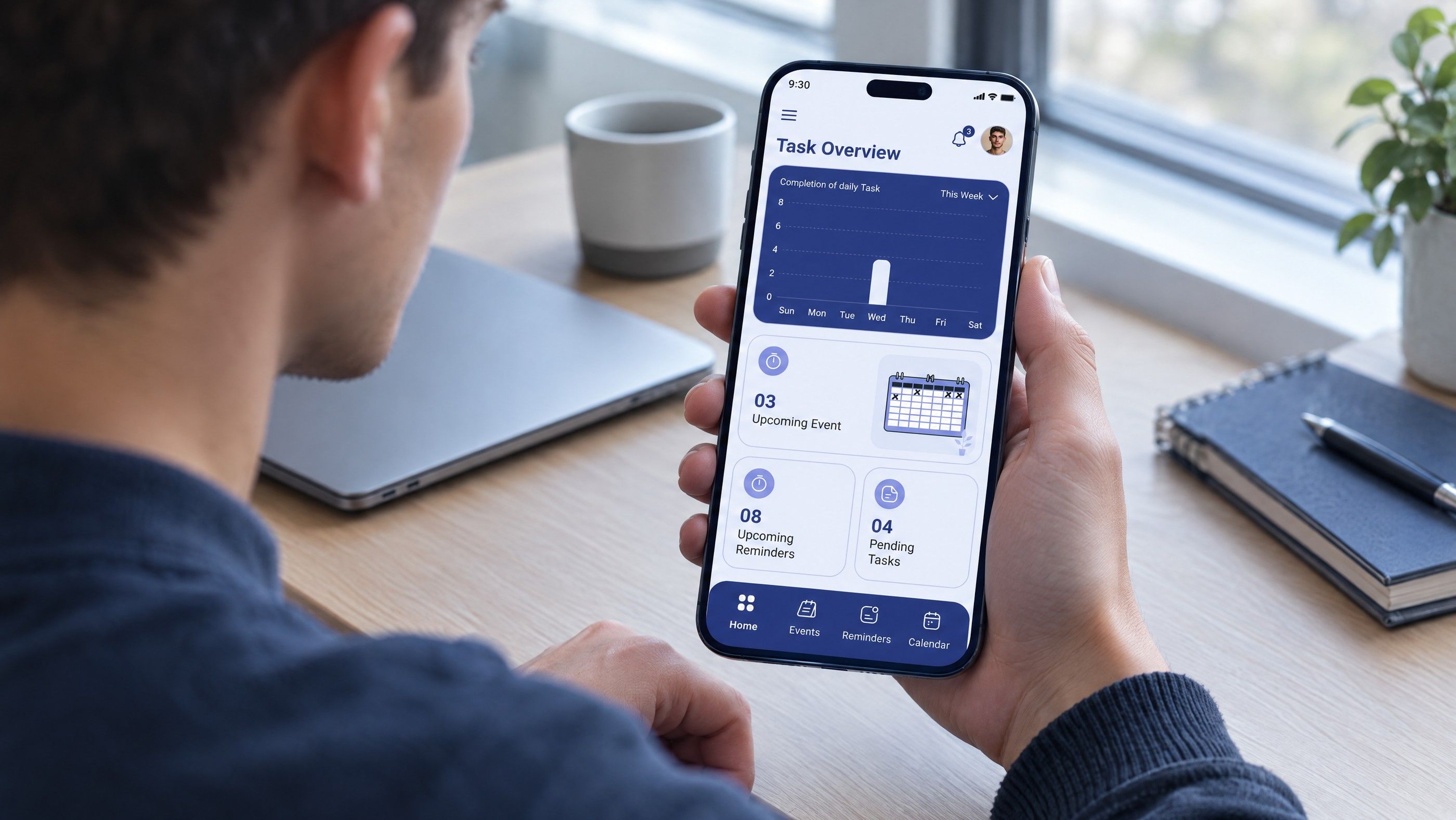
A progressive web app beats a native app when your users mainly need fast access to content, ordering, booking or account tasks, when search visibility matters, and when one codebase for every device makes more sense than separate iOS and Android builds. A native app wins when you need deep device features, heavy offline work, App Store presence or the most reliable push messaging on iPhone. Many UAE businesses land on a PWA first and add native apps later only if usage justifies them.
This guide works through the decision factor by factor, including the iPhone limits that most often decide it.
What a progressive web app actually is
A PWA is a website built with modern browser features so it behaves like an app. According to Google's web.dev overview, a PWA can reach users on any device from a single codebase and can be installed so it opens in its own window from the home screen, dock or taskbar.
Three building blocks make that possible:
- A web app manifest: a small file describing the app's name, icons and how it should open once installed.
- HTTPS: required for installation and for most app features.
- A service worker: a script that sits between the app and the network. As MDN explains, it can cache assets and intercept requests, deciding whether to serve content from the cache or the network. This is what makes an offline web app possible.
In practice, an installable website is still a website. It has URLs, it can be shared by link and it updates the moment you deploy, with no store review in between.
PWA vs native app: the main differences
| Factor | Progressive web app | Native iOS and Android apps |
|---|---|---|
| Codebase | One web codebase for all devices | Usually two, or one cross platform codebase with native builds |
| Distribution | Any link, search results, QR codes; optional store listing on Android | App Store and Google Play |
| Installation | Optional; users can use it straight away in the browser | Required before first use |
| Updates | Instant on deploy | Store review and user updates |
| Search visibility | Pages can be indexed like any website | App content is not part of normal web search |
| Device features | Growing, but limited on iPhone | Full access to platform features |
| Push notifications | Supported, with conditions on iPhone | Fully supported |
| Offline use | Good for cached content and simple queued actions | Better for heavy offline work and large local data |
The iPhone question
For most UAE businesses, the PWA decision turns on how well it will work on iPhone. Apple has added significant support in recent years, but with conditions you should understand before committing.
Installation is manual
Chrome on Android can show an install prompt, and your site can trigger its own install button. On iOS, that approach is not supported. MDN's installation guide notes that iPhone users install a PWA through the browser's Share menu; from iOS 16.4 this works in Safari and several other browsers. Many users do not know this step exists, so if installation matters to your plan, you will need clear on page instructions.
Push notifications require installation first
WebKit announced Web Push for Home Screen web apps in iOS and iPadOS 16.4. Two conditions apply: the web app must be added to the Home Screen, and the permission request must follow a direct user action such as tapping a subscribe button. Badge counts on the app icon arrived in the same release.
So push on iPhone works, but only for users who have installed the PWA. If your business model depends on reaching every customer with timely notifications, such as delivery updates or appointment reminders, a native app or a mix of SMS, email and WhatsApp alongside the PWA is the safer plan.
Device feature gaps
Some capabilities available to native apps are limited or missing for web apps on iOS. Before committing, list every device feature your app needs and test each one on current iPhones. Common checks include background processing, Bluetooth accessories, NFC, advanced camera control, health data and deep integration with system features such as widgets. Support changes with each iOS release, so check against current documentation rather than older blog posts.
When a PWA is the better choice
Your app is mostly content and transactions
Browsing a menu, booking an appointment, checking an order, paying an invoice, reading updates. These are web tasks. A PWA handles them well and keeps every page reachable through search and links.
Discovery depends on search
PWA SEO works like ordinary website SEO, because the content lives at normal URLs. The usual care applies: each important screen needs its own meaningful URL, and content should render reliably for crawlers rather than appearing only after heavy client side scripts run. Server side rendering with a framework such as Next.js helps here. A native app cannot appear in normal web results in the same way.
Users are occasional rather than daily
People rarely download an app they will use twice a year. Event registration, property enquiries, government style services, one off purchases and seasonal promotions suit a PWA, where the first visit is the first use.
You need to move fast and change often
Updates go live as soon as you deploy, with no store review. For businesses that change offers, prices or forms frequently, that speed matters.
Budget must cover one product, not three
A single codebase usually means less to design, build, test and maintain than separate web, iOS and Android products. The total still depends on scope, integrations and design complexity.
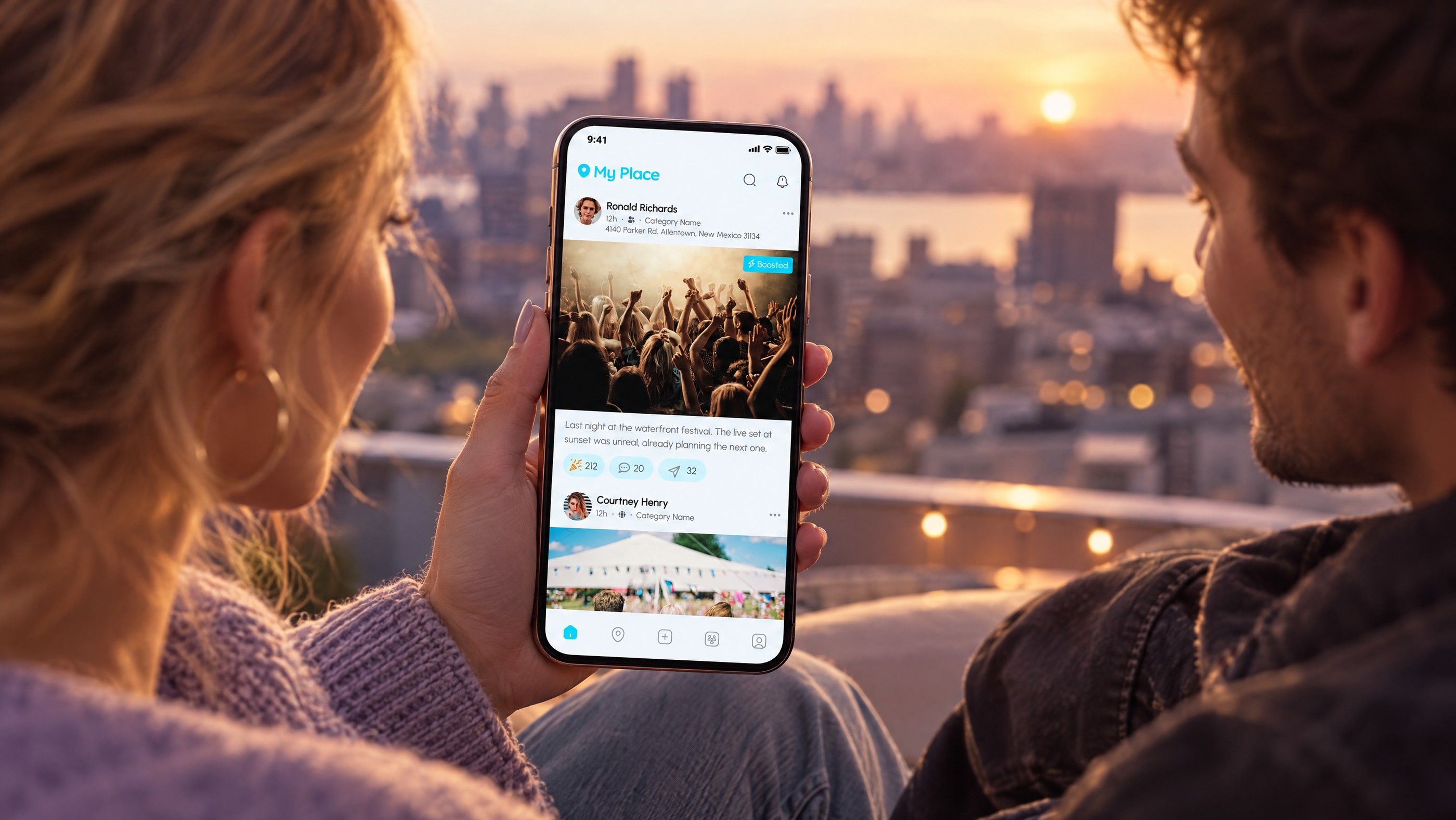
When a native app is the better choice
- Daily use by a loyal base. Banking, fitness, delivery and loyalty apps that customers open every day benefit from native speed, presence on the home screen and reliable push.
- Deep hardware access. Bluetooth devices, NFC, background location tracking, health data or advanced camera work.
- Heavy offline work. Field teams entering large amounts of data without connectivity, or apps that store large media libraries locally.
- Store presence is part of the brand. Some audiences search the App Store first and trust what they find there.
- Demanding interfaces. Complex animation, games or media editing still perform better natively.
Note that a store listing is not guaranteed for a thin app. Apple's App Review Guidelines state under minimum functionality that an app should offer more than a repackaged website. Wrapping a basic site in a native shell to get into the App Store often fails review.
The Android store route for PWAs
On Android, a PWA can also be packaged for Google Play using a Trusted Web Activity, which opens your web app full screen inside an Android app shell. Google's documentation describes this as a way to open web content such as a PWA in an Android app, with ownership of the site verified through Digital Asset Links. This gives you a Play Store listing without a second codebase. There is no equivalent shortcut for the App Store, given the review rules above.
PWA cost: what drives it
PWA cost is driven by the same factors as any web project, plus a few specific to app behaviour.
- Number of screens and user flows, including logged in areas.
- Integrations with booking, payment, CRM, ERP or delivery systems.
- Offline scope: caching a few pages is simple; syncing data entered offline and resolving conflicts is not.
- Push setup, including a backend to manage subscriptions and send messages.
- Bilingual Arabic and English interface with right to left layout.
- Testing across devices, especially current iPhones in both browser and installed modes.
For a sense of how scope turns into hours and budget, see how development hours shape cost and website cost by project type. If design is a large part of the work, how design and build costs split covers that side.
A five question decision test
- How often will users open it? Weekly or less points to a PWA. Daily points towards native.
- Which device features are essential? If any are unsupported for web apps on iPhone, native is likely needed.
- Must push reach everyone on iPhone? If yes, plan for native or for alternative channels.
- Does search bring your customers? If yes, the web needs to be strong regardless, and a PWA builds on it.
- Can you maintain several codebases? If not, start with one.
Hypothetical example: a Dubai clinic group wants patients to book appointments, see results and receive reminders. Booking and results are web tasks that also benefit from search, so a PWA covers them. Reminders must reach every patient, so they go by SMS and email rather than relying on web push. A native app is deferred until the group sees how many patients return each week.
A common route is to launch a fast, installable web app, measure how people use it, then build native apps for the features and audiences that prove they need them. That way native spending follows evidence rather than assumption.
Planning a progressive web app or a native app?
Codeeo builds both. Our web development team creates fast, installable web apps, including Next.js builds with search in mind, and our mobile app development team builds for iOS and Android when native is the right call. With 200+ projects delivered across the UAE and the US and an office in Dubai, we can talk through your users, features and constraints in person.
Contact us with a short description of what the app needs to do, and we will help you decide which route fits.
Frequently asked questions
Yes, for the parts you plan for.
A service worker can cache the app shell, key pages and recent data so they open offline, and it can store actions such as form submissions to send when the connection returns. What a PWA cannot do offline is anything needing fresh server data, such as live stock or availability. Decide early which screens must work offline, because it shapes the architecture.
Web DevelopmentWordPress VIP or Self Hosted Enterprise WordPress in the UAEWordPress VIP or self hosted enterprise WordPress in the UAE: compare data residency, hosting SLA, cost drivers and code review rules, plus key setup notes. Web DevelopmentWhat a WordPress Maintenance SLA Should CoverWhat WordPress maintenance services should cover in writing: core and plugin updates, security, backups, multilingual publishing support and response times.
 Web DevelopmentWordPress Release Management: Staging, QA and RollbackA WordPress deployment workflow that releases safely: Git based builds, a staging site that mirrors live, smoke tests to run and a rollback plan written first.
Tell us what the business needs. We will tell you what to build first.
Schedule a free consultation and get a written recommendation, with costs, before you commit to anything.
Get in touchPROVEN RESULTS
4.7 / 5verified reviews on Google