 App DevelopmentProtecting Your Website Content From Copying and ScrapingHow to protect website content from copying and scraping: AI crawler rules in robots.txt, scraper controls, DMCA takedowns and UAE copyright basics explained.
Splash Screens on Android and iOS: Rules and Good Practice
How the Android SplashScreen API and the iOS launch screen work, what each platform advises, and why a splash screen should never hide slow app launch time.
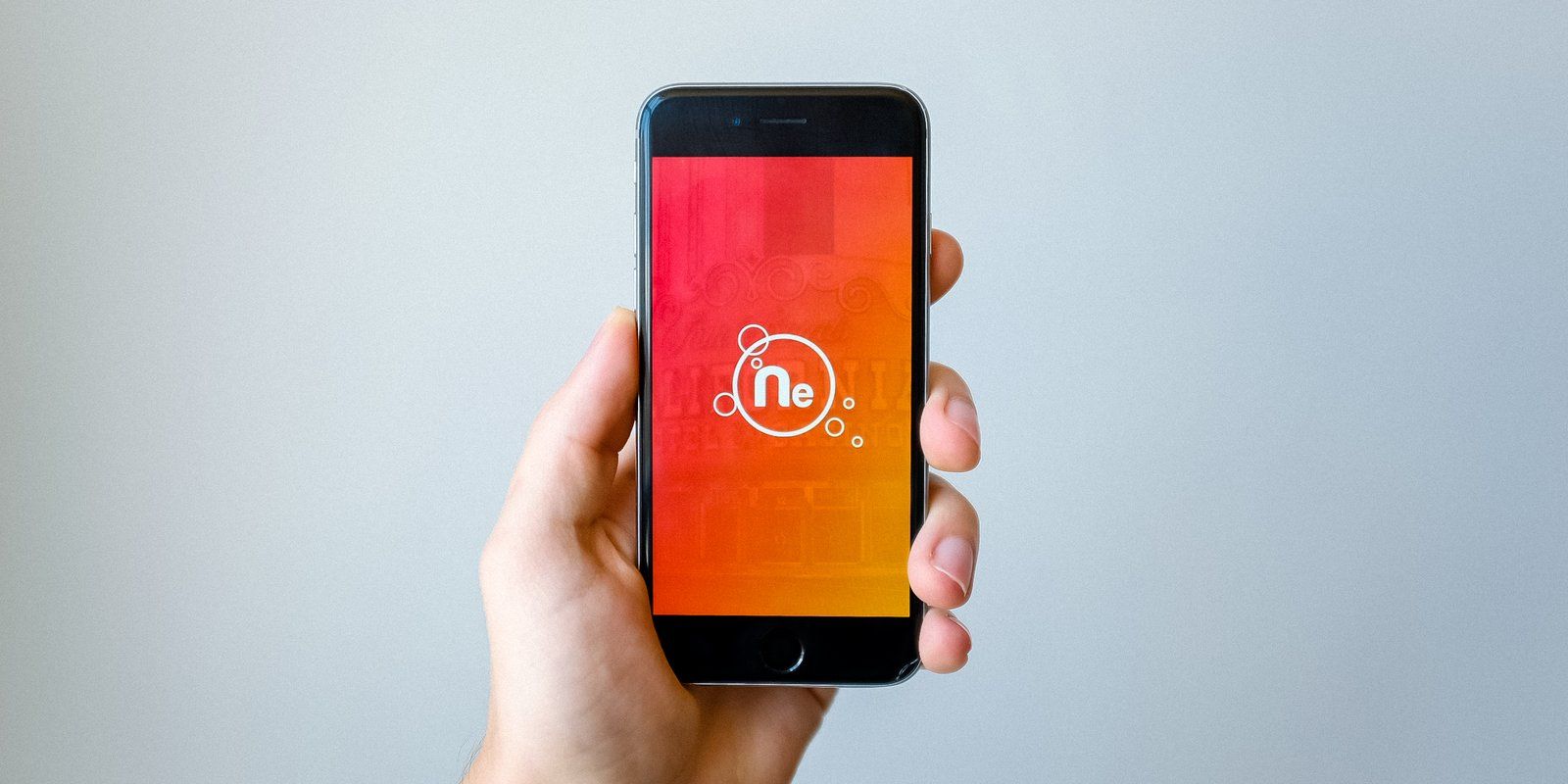
A splash screen is the first thing people see when they open your app, and on both Android and iOS the operating system now controls most of it. Android shows a system splash screen built from your app icon and a background colour, while iOS shows a static launch screen meant to look like your first screen. Neither should be used to cover a slow start up; the goal is to make launch feel instant, then get out of the way.
What the platforms mean by a splash screen
The two platforms use different words and different rules, which is why the same design brief often produces inconsistent results.
| Aspect | Android | iOS |
|---|---|---|
| Name | Splash screen (SplashScreen API) | Launch screen |
| What it shows | App icon on a solid background, with optional icon background | A static placeholder that should look nearly identical to the first screen |
| Animation | Optional animated vector icon | None; the launch screen is static |
| Branding | Optional branding image, though the guidelines advise against it | Advised against unless the logo is a fixed part of the first screen |
| Text | Not part of the system splash | Advised against, because launch content is not localised |
The Android splash screen API
From Android 12, apps launch with a system splash screen by default. The Android developer documentation explains that the Jetpack compat library, androidx.core:core-splashscreen, brings the same behaviour to older Android versions, so you can design one experience rather than two.
What you can customise
- App icon: a vector drawable, static or animated.
- Icon background: optional, useful when the icon lacks contrast against the window colour.
- Window background: a single opaque colour, with day and night variants.
- Branding image: optional, shown at the bottom, but Google's design guidance recommends leaving it out.
The icon follows adaptive icon sizing, and the documentation recommends keeping any icon animation short. Check the current documentation for the exact dimensions and timing guidance before handing the brief to a designer, because those details are easy to get wrong.
Keeping the splash on screen
By default the splash disappears when the app draws its first frame. The API offers setKeepOnScreenCondition to hold it while essential data loads. Use this sparingly. The condition is checked before every frame, so it must be quick, and holding the splash for long periods simply moves the wait to a screen with no feedback.
Common Android mistakes
- Keeping an old custom splash activity after adopting the API, so users see two splash screens in a row.
- Using a raster logo that is cropped by the circular icon mask.
- Forgetting the night mode background, which produces a white flash for users in dark mode.
The iOS launch screen
On iOS the system displays your launch screen the moment the app starts and replaces it with your first screen as soon as it is ready. You define it in Xcode, either with a launch storyboard or with the launch screen settings in the app's Info.plist.
What Apple's guidance says
Apple's Human Interface Guidelines on launching are direct about the purpose: a launch screen is not a splash screen or an onboarding step, and its only job is to make the app feel quick and ready. In practice that means:
- Design the launch screen to look nearly identical to the first screen, so there is no jarring flash at the switch.
- If the first screen starts as a solid colour, make the launch screen that same colour and nothing else.
- Avoid text, since launch screen content does not change and will not be localised for Arabic or other languages.
- Do not advertise or add logos unless they are a fixed part of the first screen.
- Match the device's current orientation and light or dark appearance.
Where branding goes instead
Apple suggests that if you need a branded splash screen, you show it at the start of your onboarding flow, after launch has finished. That keeps the brand moment while leaving the launch itself fast.
Why a splash screen should never hide slow start up
A splash screen that lingers is a symptom, not a feature. If the app needs several seconds before it can show anything useful, users notice regardless of how attractive the splash looks, and they cannot tell whether the app is working or stuck.
Measure app launch time first
Android's app startup documentation separates cold, warm and hot starts and defines two useful measures: time to initial display, when the first frame appears, and time to full display, when the content people came for is ready. Measure both on a mid range device, not only on the newest phone in the office. On iOS, Xcode's profiling tools give a comparable view of launch.
Common causes of slow launch
- Initialising every analytics, advertising and crash reporting SDK before the first frame.
- Waiting for network calls, such as configuration or user profile requests, before showing any interface.
- Loading large images, fonts or local databases on the main thread.
- Cross platform frameworks starting their engine plus every plugin at once.
Fixes that help more than a longer splash
- Defer non essential SDKs until after the first screen is visible.
- Show the first screen with cached data or skeleton placeholders, then refresh in the background.
- Move heavy work off the main thread and load data in parallel.
- Remember where the user was and restore that state, which Apple's guidance also recommends.
Hypothetical example: a property search app shows its logo for four seconds while it fetches settings, the user's saved searches and the latest listings. After moving settings to a cache, showing saved searches from local storage and loading listings behind skeleton cards, the system splash disappears almost immediately and users see familiar content straight away. The guide to property listing app features covers the wider product.
Splash screens in Flutter and React Native apps
Cross platform apps still use the native Android splash screen and iOS launch screen, configured in each platform's project folder. The framework then starts and draws its own first screen. Mismatched colours between the native splash and the first framework screen are a common cause of a visible flash, so define the background colour once and reuse it. The article on choosing Flutter or React Native covers other platform specific work to plan for.
A quick launch checklist
- One splash on Android, built with the SplashScreen API or its compat library.
- Vector icon that fits the adaptive icon safe zone, with day and night backgrounds.
- iOS launch screen that matches the first screen, with no text or advertising.
- Launch time measured on realistic devices for cold and warm starts.
- Branding, if needed, moved into onboarding.
- Right to left and dark mode checked on both platforms.
Getting launch right in your app
Codeeo's mobile app development team builds iOS and Android apps for UAE businesses, and our UI/UX design team can design launch, onboarding and first screens as one connected flow. Contact the team in Dubai to talk it through.
Frequently asked questions
The system splash runs first on modern Android versions, so a separate logo animation would appear after it as a second screen.
A better result usually comes from animating the icon within the SplashScreen API, or moving a longer brand animation into onboarding for first time users only. Avoid showing it on every launch, because returning users simply want to get back in.
App DevelopmentProtecting Your Website Content From Copying and ScrapingHow to protect website content from copying and scraping: AI crawler rules in robots.txt, scraper controls, DMCA takedowns and UAE copyright basics explained. App DevelopmentWeb Application Penetration Testing: When It Is NecessaryWeb application penetration testing explained: when contracts, launches or major changes make it necessary, how it differs from scanning and how to prepare.
 App DevelopmentSteganography Explained: How Data Hiding Works and Is DetectedSteganography in cybersecurity explained: common data hiding techniques, how attackers use them, legitimate digital watermarking and how steganalysis works.
Tell us what the business needs. We will tell you what to build first.
Schedule a free consultation and get a written recommendation, with costs, before you commit to anything.
Get in touchPROVEN RESULTS
4.7 / 5verified reviews on Google