 MarketingVirtual Events and Immersive Experiences After the HypeVirtual events marketing after the metaverse hype: webinars and hybrid events that still produce leads, event lead capture steps and how to measure pipeline.
WhatsApp First Websites: Turning Visits Into Qualified Chats
WhatsApp website lead generation that brings qualified chats: page intent, prefilled click to chat messages, button placement, a campaign example and tracking.
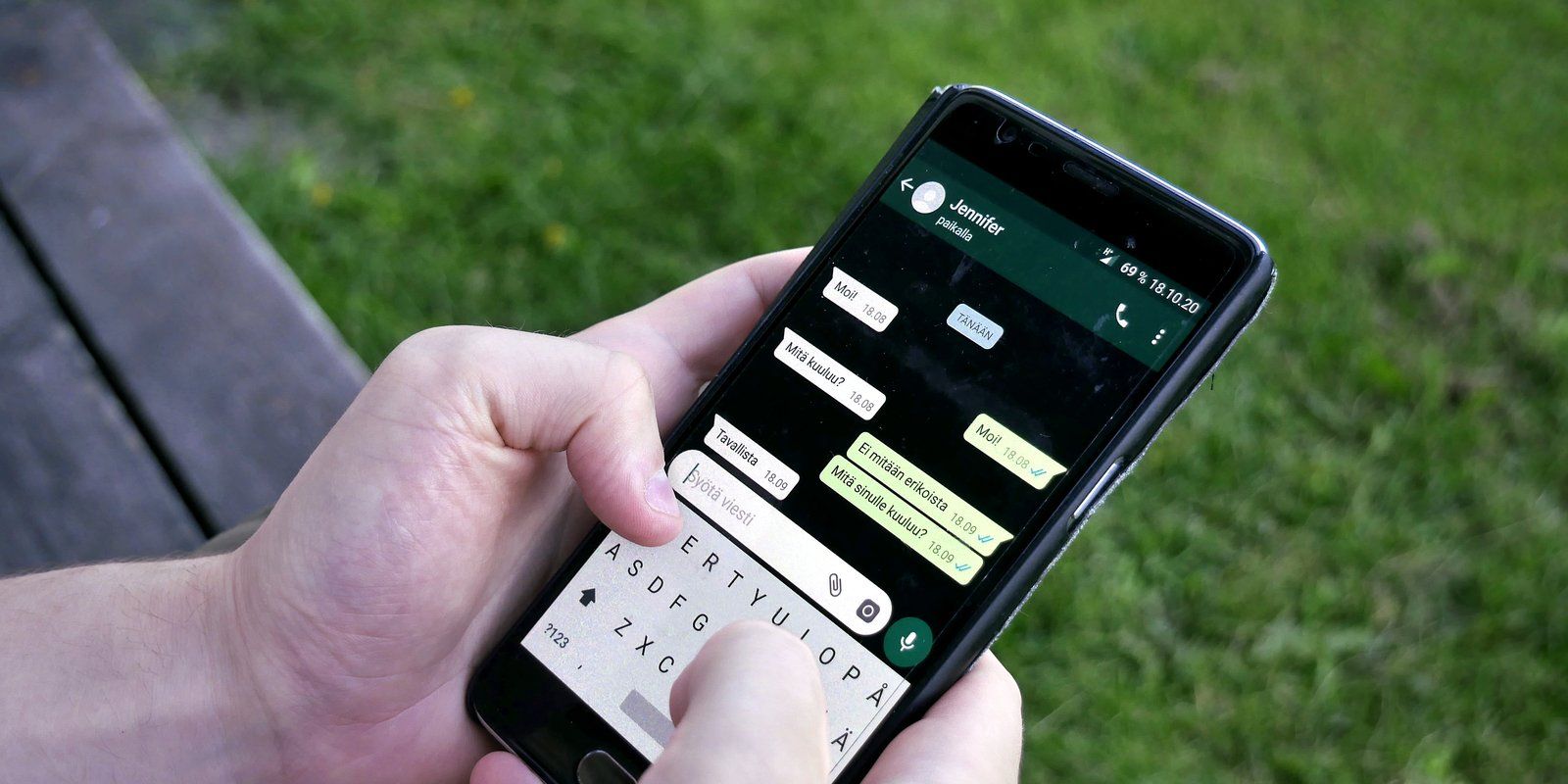
WhatsApp website lead generation works best when every chat button is designed for the page it sits on, with a prefilled message that tells your team what the visitor wants before anyone types a word. A single green button that opens a blank chat produces a lot of "Hi" messages and very little context. A WhatsApp first website plans page intent, message wording and tracking together, so chats arrive qualified and can be measured like any other lead.
What a WhatsApp first website actually means
Many customers in the UAE are used to messaging businesses, and some would rather send a message than fill in a form or make a call. A WhatsApp first website accepts that preference and builds around it. Chat becomes the main conversion path on the pages where it suits the decision, while forms and calls remain available for people who prefer them.
That is different from simply adding a floating WhatsApp button to every page. The difference shows in three places:
- Intent by page. A visitor reading a pricing guide wants something different from one reading a service page or a delivery policy. The chat should reflect that.
- Prefilled context. The opening message carries the page, product or service the visitor was looking at, so the team does not need to ask.
- Measurement. Each chat start is tracked as a lead event and tied back to the campaign or search that brought the visitor.
This guide focuses on that design layer. If your main challenge is replying fast at volume through the WhatsApp Business Platform, that is a separate operational question about tooling and staffing.
How click to chat links work
WhatsApp supports click to chat links that open a conversation with a specific number. According to the WhatsApp Help Center, the link uses the wa.me address followed by the full phone number in international format, without a plus sign, leading zeros, brackets or dashes. A text parameter can add a prefilled message, which must be URL encoded. Check the WhatsApp Help Center guidance on click to chat for the current format before you build, because details can change.
On a phone, the link opens the WhatsApp app. On a desktop, it typically opens WhatsApp Web or the desktop app, and visitors who do not use WhatsApp on that device may hit a dead end. That is one reason a WhatsApp button website still needs a fallback, such as a call option or a short form.
Designing page intent for WhatsApp website lead generation
Start by listing your key page types and asking one question for each: what does a visitor on this page most likely want to ask? The answer becomes the basis of the button label and the prefilled message.
| Page type | Likely intent | Button label | Prefilled message idea |
|---|---|---|---|
| Service page | Check fit and next steps | Ask about this service | "Hello, I am interested in [service]. My business is in [area]." |
| Product page | Stock, sizes, delivery | Check availability | "Hello, is [product name] available, and when could it be delivered?" |
| Pricing or cost guide | A quote for their situation | Get a quote on WhatsApp | "Hello, I read your cost guide and would like a quote for [project type]." |
| Booking or appointment page | A slot | Request a time | "Hello, I would like to book [appointment type]. Preferred day: " |
| Contact page | General question | Message us | "Hello, I have a question about " |
The square brackets are filled automatically by the page template, not by the visitor. On a WordPress or headless site, the template can insert the page title, product name or category into the message when the page loads.
Write messages that people will actually send
Prefilled text is a suggestion. Visitors can edit or delete it, so it needs to feel natural. A few rules help:
- Keep it to one or two short sentences.
- Write in the visitor's voice, not your marketing voice.
- Leave a gap for the one detail you most need, such as an area, a date or a quantity.
- Offer an Arabic version on Arabic pages rather than mixing languages in one message.
- Avoid asking for sensitive details in the opening message.
Add a reference code for tracking
A short, readable code at the end of the message, such as a page or campaign tag, lets your team see where the chat came from even when web tracking fails. Keep it short and explain it if needed, for example "Ref: summer offer". Visitors are more likely to leave a code in place when it looks like a normal part of the message.
Placing the WhatsApp button on the page
Placement changes behaviour. The button should appear where the visitor is ready to ask, not only as a floating icon in the corner.
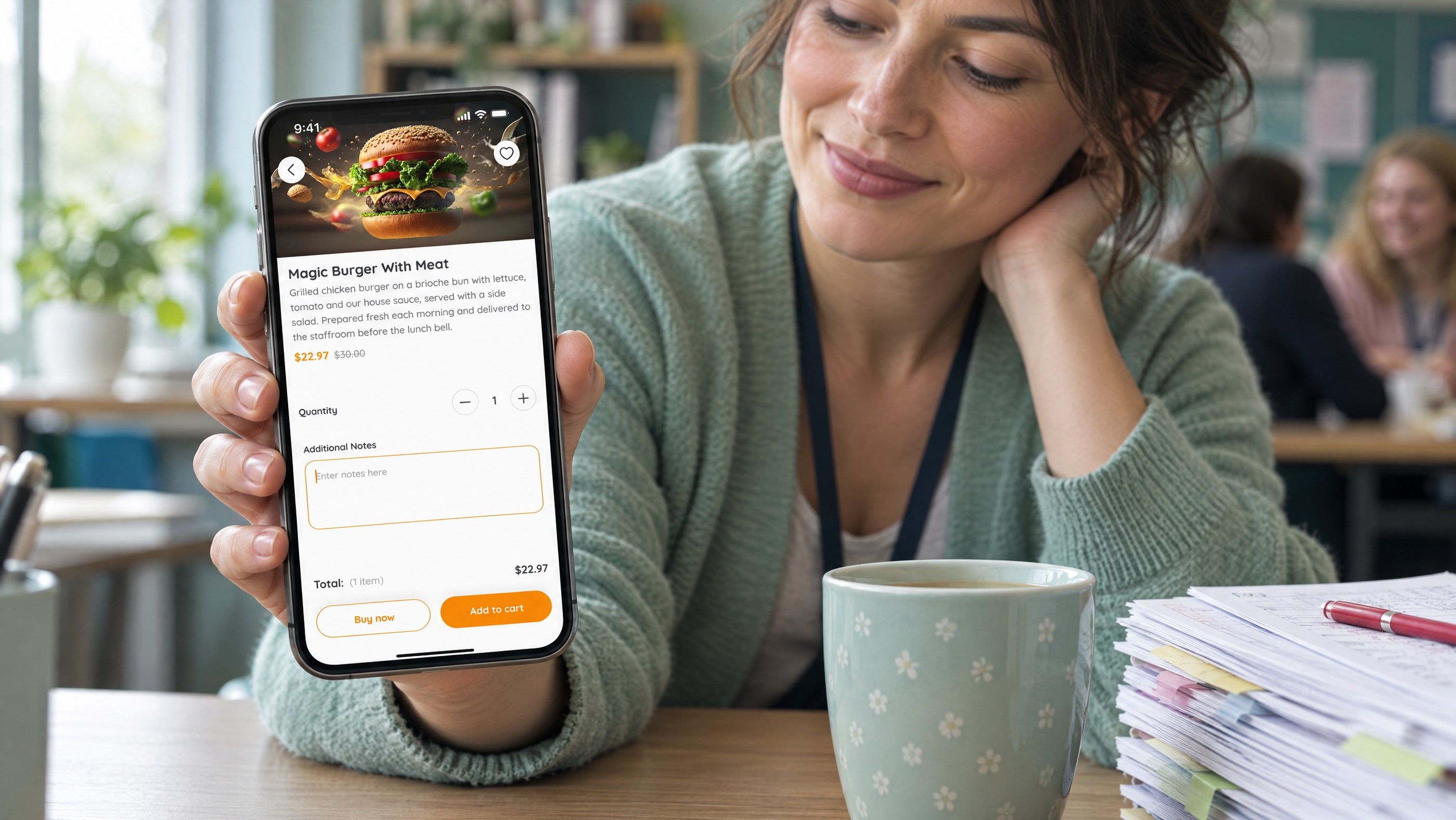
- Beside the main call to action. On service and product pages, place the chat option next to the primary button so visitors can choose their preferred route.
- After key information. Put a chat prompt after delivery details, specifications or pricing factors, where questions naturally arise.
- A sticky bar on mobile. A slim bar with call and chat options works well on phones, provided it does not cover content or cookie notices.
- Not on every element. Too many chat buttons dilute the main path and can make the page look like it is pushing.
Set expectations next to the button
A short line under the button, such as your reply hours, reduces anxiety and repeated messages. If replies are slower at weekends or on public holidays, say so. Visitors forgive a delay they were told about.
WhatsApp lead qualification once the chat arrives
A prefilled message gives your team a head start, but qualification still happens in the conversation. Agree a simple sequence of questions for each enquiry type so different staff qualify leads the same way.
- Confirm the need. Restate what the visitor asked about, using the prefilled context.
- Ask for the one or two details that matter most. Location, timeline, quantity or budget range, depending on the service.
- Offer the next step. A quote, a call, a booking link or a visit.
- Record the outcome. Tag the chat or update the CRM with the source, stage and result.
Quick replies, labels and saved responses in the WhatsApp Business app help a small team keep this consistent. Larger teams usually connect WhatsApp to a CRM so chats, owners and outcomes sit alongside other leads. Our article on the first automation workflows worth building covers how to route and follow up leads without losing the personal tone.
A campaign example from ad to chat
Hypothetical example: a home cleaning company in Dubai runs a search campaign for deep cleaning before moving out. The ad points to a dedicated landing page that explains what the service covers, the areas served and what affects the quote. The chat button reads "Get a quote on WhatsApp", and the prefilled message says: "Hello, I need a move out deep clean. Property type: . Area: . Ref: moveout". The page records a chat start event when the button is tapped.
When the message arrives, the agent can see the service, the campaign tag and the two details the visitor filled in. The first reply confirms availability and asks for the preferred date. Each chat is labelled with its outcome, quoted, booked or not a fit, so at the end of the month the business can compare chats started, quotes sent and jobs booked for this campaign against others.
The same structure works for a clinic booking consultations, a showroom checking stock or a B2B firm arranging a discovery call. Only the questions change.
Measuring the conversion path
Chat is a conversion path like any other, and it needs the same measurement discipline. Without it, WhatsApp becomes a black box where leads arrive but nobody knows which campaign produced them.
What to track
- Chat starts. Track button taps as an event in your analytics. Google Analytics 4 lists generate_lead as a recommended event for form submissions and requests for information, and many teams use it or a custom event for chat starts.
- Source and campaign. Keep tracking parameters on landing page URLs so the chat event inherits the campaign.
- Conversations. Not every tap becomes a sent message. Compare tracked taps with chats actually received.
- Qualified leads and sales. Use labels or CRM stages to count chats that became quotes, bookings or orders.
Feeding qualified outcomes back into ad platforms, where your setup supports it, helps campaigns optimise for real leads rather than taps. Our guide to getting better leads from PPC explains why that matters for bidding.
Privacy and consent
Chats contain personal data, and marketing messages sent later need appropriate consent. The UAE Personal Data Protection Law, Federal Decree-Law No. 45 of 2021, sets general rules for processing personal data, and WhatsApp has its own business messaging policies. Confirm your obligations with counsel and the relevant platform documentation before running follow up campaigns over WhatsApp.
Common mistakes that fill WhatsApp with poor leads
- One generic button on every page with no prefilled message.
- Chat offered on desktop with no alternative for visitors who do not use WhatsApp Web.
- No reply hours stated, so out of hours chats go cold.
- Chats handled on a personal phone, with no shared record when a staff member is away.
- Tracking taps but never comparing them with chats received or sales made.
Fixing these is usually a mix of design, development and process work rather than a new tool. For more on attracting better enquiries in the first place, see inbound marketing that improves lead quality, and for a sector example, our guide to admissions lead generation for schools.
Turn website visits into better conversations with Codeeo
Codeeo designs and builds websites where the conversion path is planned from the start, including page templates that generate context aware chat links and the tracking behind them. Our website design and development and UI/UX design teams handle the pages, our digital marketing team connects the campaigns, and our AI and automation work can route and tag chats as they arrive. Visit our Dubai office or contact us to review how chats reach your team today.
Frequently asked questions
Usually not.
Some visitors prefer forms, especially on desktop or for detailed B2B enquiries, and some do not use WhatsApp at all. Offer chat as the main option on pages where quick questions are common, and keep a short form and a phone number available. Compare which route produces more qualified leads for each page type before removing anything.
MarketingVirtual Events and Immersive Experiences After the HypeVirtual events marketing after the metaverse hype: webinars and hybrid events that still produce leads, event lead capture steps and how to measure pipeline. MarketingWhat Happened to Metaverse Marketing and What Replaced ItMetaverse marketing after the hype: what faded, what lasted such as AR try on and gaming platform partnerships, and how UAE brands can judge immersive ideas.
 MarketingAudio and Spotify Ads: When Audio Belongs in the Media MixSpotify advertising for UAE brands: when audio suits your media mix, what drives Spotify ads cost, how to write audio creative and how to measure the real lift.
Tell us what the business needs. We will tell you what to build first.
Schedule a free consultation and get a written recommendation, with costs, before you commit to anything.
Get in touchPROVEN RESULTS
4.7 / 5verified reviews on Google