 Web DevelopmentWordPress VIP or Self Hosted Enterprise WordPress in the UAEWordPress VIP or self hosted enterprise WordPress in the UAE: compare data residency, hosting SLA, cost drivers and code review rules, plus key setup notes.
AI Website Builders Versus WordPress for a Production Site
AI website builder vs WordPress: use AI builders to prototype fast, then move to WordPress for ownership, integrations, SEO control and long term editing.

In the AI website builder vs WordPress decision, the most useful way to see it is prototype versus production. An AI site builder is excellent for exploring ideas, testing layouts and showing stakeholders a direction within hours. WordPress is the better home for the production site, where the business needs ownership, integrations, editorial control, security and search performance over several years.
This guide explains what each tool is good at, where AI builders run into limits, and how to turn a prototype into a WordPress production build without starting from scratch.
What an AI site builder actually does
An AI site builder takes a prompt, such as "a bilingual website for a Dubai interior design studio", and generates pages, layout, placeholder copy and images. Most then let you edit in a visual interface and publish on the vendor's hosting.
That is genuinely useful. It compresses the first week of a project into an afternoon and gives non designers something concrete to react to. The limits appear later, when the site has to work as a business asset rather than a draft.
Where AI builders shine
- Exploring several visual directions before committing to one
- Producing a clickable mock up for an internal pitch or investor meeting
- Short lived campaign or event pages
- Very small sites with a handful of pages and no integrations
- Drafting a first version of page structure and headings
Where they struggle
- Exporting content and code cleanly to another host
- Complex forms, CRM connections and payment flows
- Structured content such as projects, products, team members or locations
- Right to left Arabic layouts that need careful typography
- Editorial workflows with roles, approvals and revisions
- Fine control over technical SEO, performance and accessibility
AI website builder vs WordPress: side by side
| Factor | AI site builder | WordPress production site |
|---|---|---|
| Speed to first draft | Hours | Days to weeks, depending on scope |
| Website ownership | Often tied to the vendor's hosting and terms | Open source; host anywhere and change hosts at will |
| Content model | Mostly pages and sections | Custom post types, fields and taxonomies |
| Integrations | Limited to what the vendor supports | Wide plugin ecosystem plus custom code and REST API |
| Editing | Simple visual editor | Block editor with roles, revisions and locked patterns |
| Technical SEO | Basic controls | Full control of URLs, schema, redirects and sitemaps |
| Maintenance | Handled by the vendor | Needs an owner for updates, backups and security |
| Best use | Prototype website and simple pages | WordPress production site for the long term |
Neither column is "better" in every row. The question is which set of trade offs suits the stage the project is at.
Why website ownership matters more than speed
A company website accumulates value: content, backlinks, search rankings, analytics history and integrations with sales tools. If that value lives on a platform you cannot export from, switching later means rebuilding and risking lost rankings.
Before publishing anything on an AI builder, check three things in the vendor's documentation and terms:
- Can pages, images and blog content be exported in a usable format?
- Can the site be moved to another host, or only exported as static files?
- Who owns AI generated content and images, and are there usage restrictions?
WordPress is distributed under the GPL licence, so the software, theme code and content can move with the business. For a detailed comparison with hosted platforms, see WordPress versus Wix, Webflow and Shopify on ownership.
The path from prototype to WordPress production build
The prototype does not have to be thrown away. Used well, it shortens the production project.
Step 1: treat the prototype as a brief
Agree what the prototype got right: page list, section order, tone, visual style. Capture it as screenshots and a short written brief. Note what it got wrong, such as generic copy or stock imagery that does not match the brand.
Step 2: design the content model
List the repeating content: services, projects, locations, team, articles. Each becomes a custom post type or block in WordPress, so editors add a new project by filling in fields rather than copying a page.
Step 3: build a design system in blocks
Turn the prototype's sections into reusable custom blocks and patterns that follow brand rules, with English and Arabic layouts where needed. Lock structural elements so the site stays consistent as more people edit it.
Step 4: rewrite the copy
AI generated placeholder copy is rarely accurate or distinctive. Replace it with verified, specific content written for your audience, and check every claim about services, licences or regulations.
Step 5: connect, secure and measure
Connect forms to the CRM, set up analytics and consent, configure backups, harden logins and test performance. Our security checklist covers the essentials, and the hacked site cleanup playbook shows what happens when this step is skipped.
Step 6: plan the handover and maintenance
A production site needs an owner after launch. Decide who applies core, theme and plugin updates, how often backups are tested, and who responds if a form stops sending enquiries. Document the custom blocks and content types so new editors can learn them quickly, and agree a short monthly routine: review updates on a staging copy, check Core Web Vitals and search console reports, and remove plugins that are no longer used. This is the work an AI builder's hosting does quietly in the background, and it is the main extra commitment that comes with owning a WordPress site. Many businesses hand it to a support partner; others train an internal administrator. Either works, as long as someone is named.
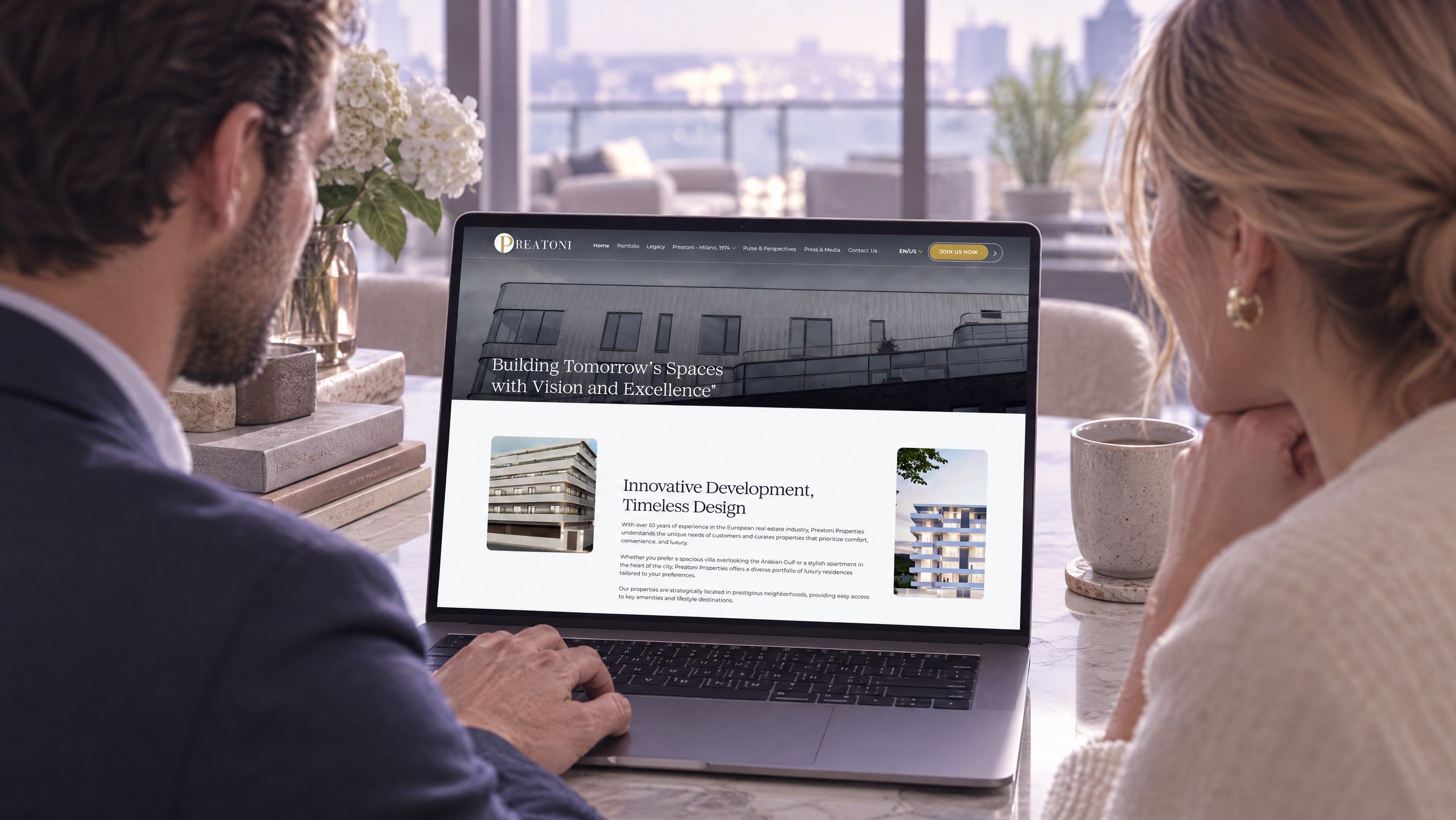
Hypothetical example: the founder of an Abu Dhabi interior design studio uses an AI builder to produce three homepage directions over a weekend and shares them with partners. They choose one. The production team keeps its section order and colour palette, builds a WordPress project gallery with filters by room type, adds an Arabic version, and connects the enquiry form to the studio's CRM. The prototype saved early design rounds; WordPress provided the parts the business would rely on daily.
When an AI builder is enough on its own
It is reasonable to stay on an AI builder when the site is small, short lived or a test of an idea:
- A one page site to validate demand before investing in a full build
- An event microsite that will be retired after the event
- A personal or very early stage business page with no integrations
Plan an exit from the start. Keep copies of copy and images outside the builder, and use your own domain so it can be pointed elsewhere later.
When the business outgrows that stage, a custom WordPress build is the natural next step.
Turn your prototype into a site you own
Codeeo takes AI generated concepts and early drafts through to production on WordPress, with UI and UX design, WordPress development, bilingual layouts and CRM integrations. With 200+ projects delivered across the UAE and the US, a team of 80+ and an office in Dubai, the team can review your prototype with you and plan the production build. Examples of past work are on the case studies page.
Share your prototype or brief through the contact page.
Frequently asked questions
Yes.
AI writing, translation, alt text and search tools can run inside WordPress through plugins, and WordPress core is adding standard ways for AI assistants to interact with a site under permission controls. This gives teams the speed of AI for drafting while keeping content in a platform they own. Review what data each AI plugin sends to external providers before enabling it.
Web DevelopmentWordPress VIP or Self Hosted Enterprise WordPress in the UAEWordPress VIP or self hosted enterprise WordPress in the UAE: compare data residency, hosting SLA, cost drivers and code review rules, plus key setup notes. Web DevelopmentWhat a WordPress Maintenance SLA Should CoverWhat WordPress maintenance services should cover in writing: core and plugin updates, security, backups, multilingual publishing support and response times.
 Web DevelopmentWordPress Release Management: Staging, QA and RollbackA WordPress deployment workflow that releases safely: Git based builds, a staging site that mirrors live, smoke tests to run and a rollback plan written first.
Tell us what the business needs. We will tell you what to build first.
Schedule a free consultation and get a written recommendation, with costs, before you commit to anything.
Get in touchPROVEN RESULTS
4.7 / 5verified reviews on Google