 SEORecovering Traffic After a Failed Website MigrationSEO recovery after migration in the right order: diagnose the traffic drop, fix redirects, rebuild internal links, request reindexing, then report progress.
How AI Is Changing Web Design and SEO Work
AI in SEO and web design speeds up briefs, drafts and layouts, but judgement and accuracy still need people. See how to split the work and what Google says.
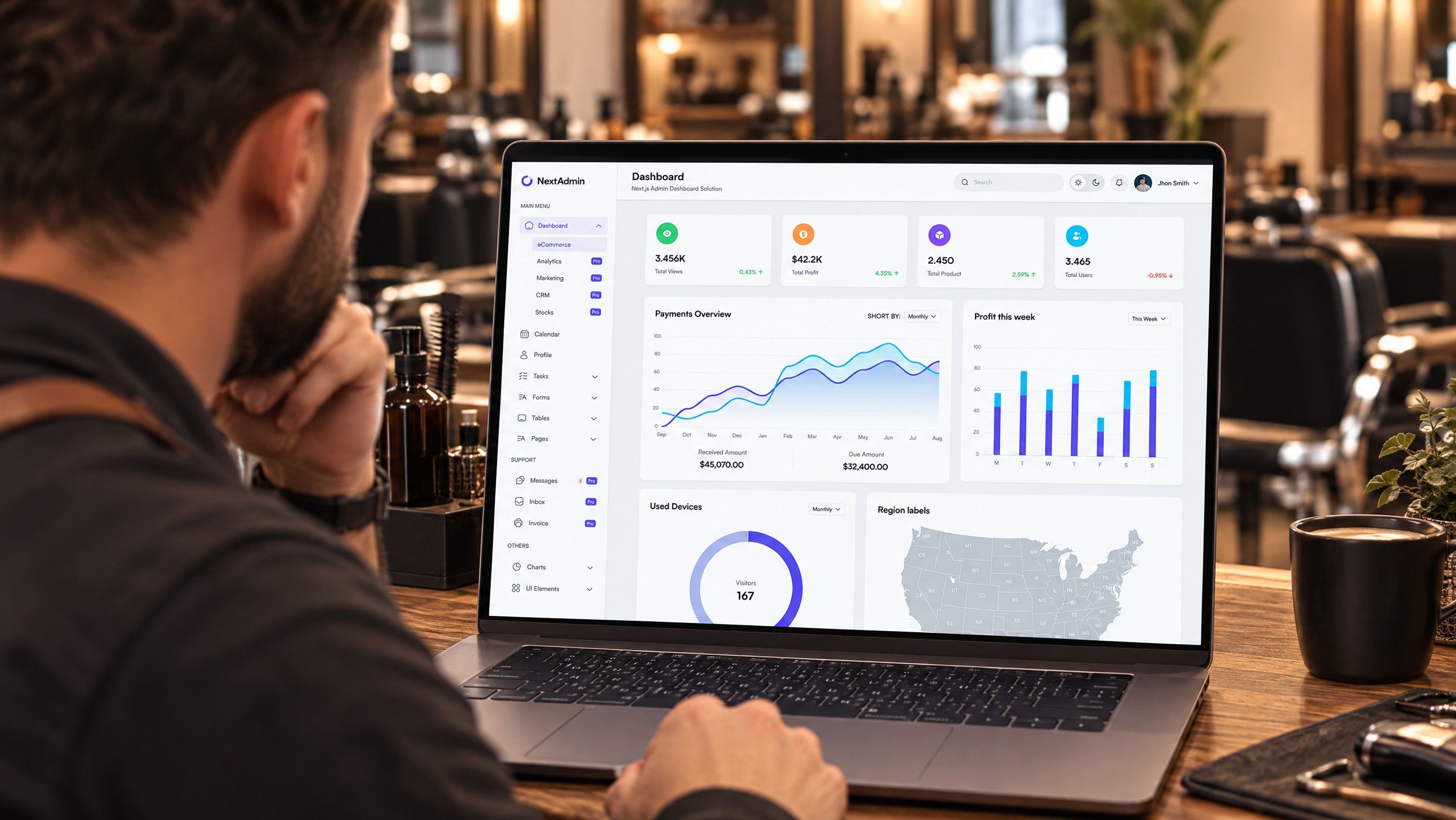
AI in SEO and web design has changed the speed of production far more than it has changed what makes a page succeed. Drafting, research, layout exploration and reporting now take hours instead of days, but judgement, accuracy, original insight and accountability still sit with people. The teams getting results are the ones that have redesigned their process around that split, rather than simply adding a tool.
This article looks at the work itself: how briefs, content, design and technical tasks change, where the risks are, and how to divide the work between software and specialists. If your question is how to stay visible inside AI answers, our guide to staying visible in AI search covers that side.
How AI in SEO changes each stage of production
Most website and SEO projects follow the same sequence: research, brief, content, design, build, launch and measurement. AI tools touch every stage, but the size of the change differs.
| Stage | What AI now does well | What still needs people |
|---|---|---|
| Keyword and topic research | Expanding seed lists, grouping terms, summarising what ranks | Choosing which topics match real buyers and services |
| Content briefs | First outlines, question lists, competitor heading summaries | Angle, audience, what the business can genuinely say |
| Drafting | Structured first drafts, rewrites, translation drafts | Facts, examples, expertise, tone, final sign off |
| Design | Layout options, image variations, copy placeholders, component ideas | Brand fit, usability, accessibility, Arabic and English layout |
| Build and technical SEO | Code suggestions, schema drafts, redirect mapping help, log summaries | Architecture, testing, security, release decisions |
| Reporting | Summaries of Search Console and analytics exports | Interpreting cause, deciding priorities |
The pattern is consistent. AI handles volume and first versions; people handle decisions and anything that carries risk.
Briefs: faster to produce, easier to get wrong
A good brief has always been the difference between content that ranks and content that fills a page. AI tools make it easy to produce a brief in minutes by summarising the pages already ranking. That is useful as a starting point, and dangerous as an end point.
The sameness problem
If every brief is built from the current top results, every new page becomes an average of what already exists. Search engines and readers have little reason to prefer it. The brief needs something the summary cannot supply: the questions your sales team hears, the objections your clients raise, the process you actually follow and the local detail that applies to your market.
What a strong AI assisted brief now includes
- The search intent, confirmed by looking at the results yourself, not only by asking a tool.
- One clear angle the page will take that competitors do not.
- A list of facts that must be checked against primary sources before publishing.
- Input from a subject expert inside the business, even if it is a fifteen minute call.
- Internal links and the conversion action the page should support.
For bilingual sites, the brief should also say whether the Arabic page is a translation or a separately researched page. Search behaviour often differs between languages, which our article on bilingual SEO for Arabic and English pages explains.
AI content SEO: what Google actually says
The most common question from marketing teams is whether AI content SEO is safe. Google's position is published and fairly clear. Its guidance on creating helpful, reliable, people first content accepts that content may be automated, AI generated or AI assisted, and encourages publishers to think about how content was made and whether readers would expect to know. The same guidance says that using automation mainly to manipulate rankings is a spam problem.
Google's spam policies go further. Scaled content abuse explicitly includes using generative AI tools to produce many pages without adding value for users. In other words, the tool is not the issue. Thin pages produced at volume are.
Helpful content in practice
Helpful content is less about word count and more about whether the page leaves the reader better informed than the alternatives. For a business site that usually means:
- Specific steps, criteria or examples drawn from real work, not general advice.
- Accurate, current facts with sources where the topic needs them.
- A named author or team, with no invented credentials or fake profiles.
- Pages that exist because customers search for them, not because a tool generated a list.
Hypothetical example: a property services company asks a tool to produce forty area guides in a week. Each guide repeats the same structure with the area name swapped. That is exactly the pattern Google's policy describes. The same company could instead write eight guides with real detail on access, service types and common client questions, using AI to speed up drafting and formatting. The second approach takes longer but produces pages worth indexing.
AI web design: what changes for designers
AI web design tools now generate layouts, wireframes, image variations and even working front end code from a prompt. For designers this shifts the job from producing options to choosing and refining them.
Where AI speeds up design
- Early exploration. Several layout directions can be shown to stakeholders on day one, which shortens the discovery phase.
- Content placeholders. Realistic draft copy makes wireframes easier to judge than lorem ipsum.
- Asset production. Resizing, background removal and variations for different screens take far less time.
Where people remain essential
- Usability. A generated layout can look polished and still bury the contact form or confuse navigation. Testing with real users is still the only reliable check.
- Accessibility. Colour contrast, focus states, form labels and screen reader behaviour need deliberate design and testing.
- Right to left layouts. Arabic versions need mirrored layouts, appropriate typography and careful handling of mixed language content. Generic tools often get this wrong.
- Brand consistency. A design system keeps hundreds of pages coherent. Generated screens drift from it unless someone enforces it.

Design choices also affect SEO directly. Heavy generated imagery, animation libraries and unnecessary scripts can slow pages down. Hosting and infrastructure matter too, as our guide to server location, latency and Core Web Vitals shows.
AI SEO tools in technical work
Technical SEO is where AI SEO tools save a surprising amount of time, provided someone qualified checks the output.
Useful applications
- Drafting structured data from page content, then validating it with Google's testing tools.
- Grouping crawl errors and suggesting likely causes.
- Producing first drafts of redirect maps during a migration by matching old and new URLs.
- Writing regular expressions and spreadsheet formulas for log and Search Console analysis.
- Summarising large exports into a list of pages that lost or gained clicks.
Where it goes wrong
Tools can produce schema properties that do not exist, redirect rules that loop, or confident explanations for traffic changes that are actually caused by seasonality or tracking errors. Every technical change should go through the same review and staging process as code written by hand. On large rebuilds, that review belongs inside a governance model, which our article on SEO and UX governance in enterprise rebuilds sets out.
Redesigning the team process around AI
Adding a tool without changing the workflow usually produces more content of the same quality. A better approach is to decide, stage by stage, who does what.
- Map your current process. List each step from research to reporting and how long it takes.
- Mark the repetitive steps. Formatting, first drafts, summaries and resizing are good candidates for automation.
- Mark the judgement steps. Angle, accuracy, design decisions, approvals and anything legal or regulated stay with people.
- Add a verification step. Make fact checking a named task with an owner, not something assumed to happen.
- Set data rules. Decide what may be pasted into external tools. Client data, personal data and confidential plans need clear limits, especially under the UAE data protection framework. Confirm specific obligations with counsel.
- Measure output quality, not volume. Track rankings, engagement and enquiries per page rather than pages published per week.
What to ask an agency or vendor
If you outsource SEO or design work, ask how AI is used in delivery, who reviews the output, and how facts are checked. These points belong in the contract scope, alongside reporting and service levels. Our guide to enterprise SEO contract scope and SLAs covers what to include.
Bringing AI into your web and SEO work with Codeeo
Codeeo combines digital marketing and SEO with UI/UX design and website development, so the people planning content, designing pages and building them work from the same brief. For teams that want to build AI into their own workflows, Codeeo also offers AI integration and AI automation services. With 200+ projects delivered across the UAE and the US and an office in Dubai where clients can meet the team, get in touch to talk through your process.
Frequently asked questions
There is no general rule requiring a label on every page, but Google's guidance suggests considering disclosure where readers would reasonably ask how content was made.
For most service pages, a named author or team and accurate content matter more than a label. For sensitive topics such as health or finance, being open about the process builds trust. Check any sector specific rules with your regulator.
SEORecovering Traffic After a Failed Website MigrationSEO recovery after migration in the right order: diagnose the traffic drop, fix redirects, rebuild internal links, request reindexing, then report progress. SEOPlanning an Enterprise Rebuild That Keeps SEO, UX and GovernancePlan an enterprise website rebuild that protects rankings, user tasks and content governance, with one shared inventory, phase gates and agreed launch criteria.
 SEOProtecting Lead Flow During a Redesign, Not Only RankingsAvoid a website redesign conversion drop: map lead paths, rebuild form tracking, protect ad landing pages and test CRM integration before and after launch day.
Tell us what the business needs. We will tell you what to build first.
Schedule a free consultation and get a written recommendation, with costs, before you commit to anything.
Get in touchPROVEN RESULTS
4.7 / 5verified reviews on Google