 Web DevelopmentWordPress VIP or Self Hosted Enterprise WordPress in the UAEWordPress VIP or self hosted enterprise WordPress in the UAE: compare data residency, hosting SLA, cost drivers and code review rules, plus key setup notes.
Low Code and No Code Websites: Where They Break for UAE Firms
See where no code website development hits its limits for UAE firms, from Arabic layouts and integrations to data residency and scale, and when to go custom.
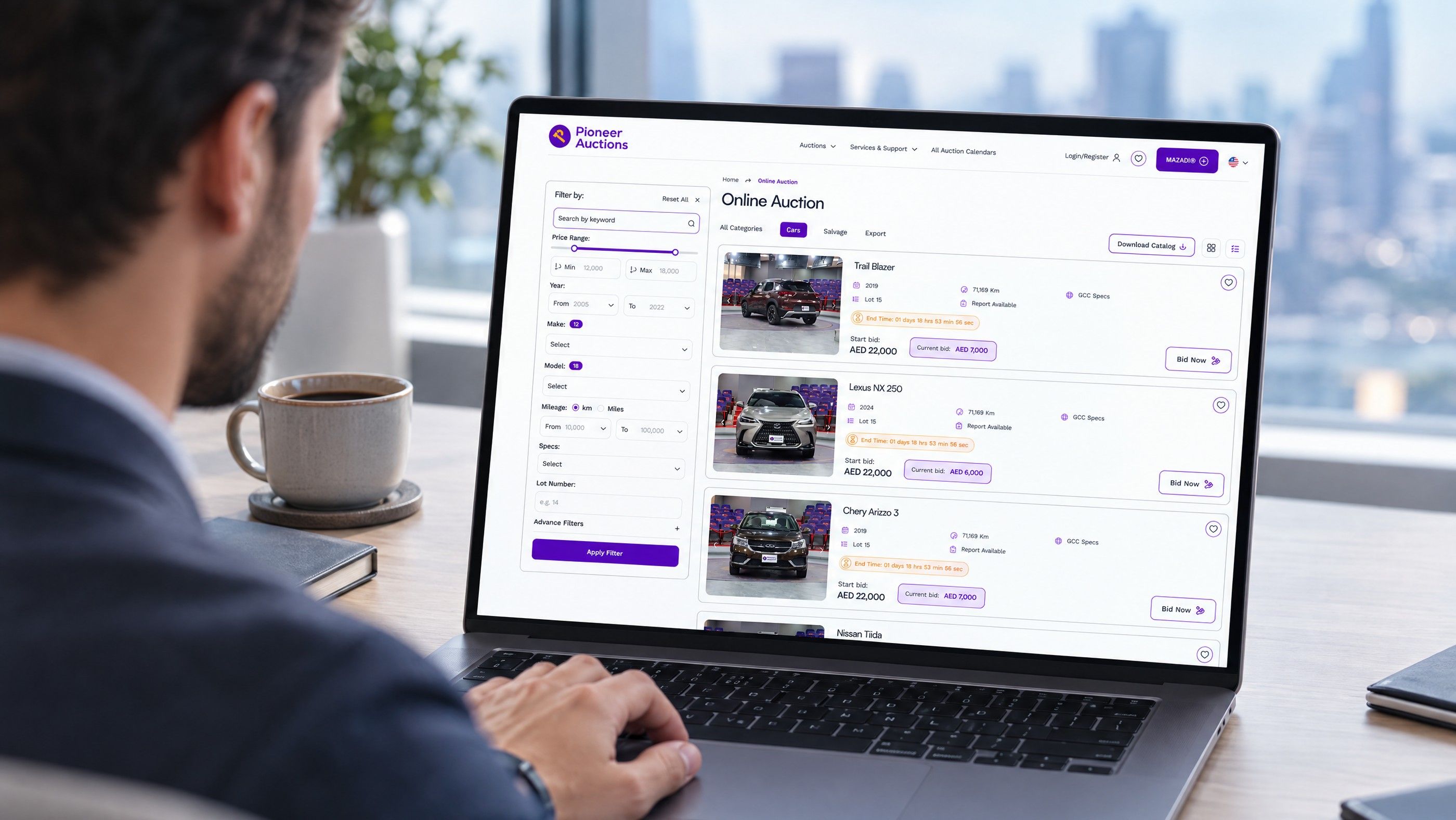
No code website development works well for brochure sites, campaign pages and early prototypes, but it starts to break for UAE firms at four predictable points: bilingual Arabic layouts, deep integrations, data residency and scale. If your site is heading towards any of those, plan the move to custom work before the platform forces it on you.
What no code website development actually gives you
No code platforms such as Webflow let a designer or marketer build pages visually, publish them on managed hosting and edit content without a developer. Low code web development sits one step further along: tools such as Bubble add visual logic, databases and workflows so a small team can build an application, not just a set of pages.
Both approaches trade control for speed. The vendor owns the hosting, the rendering engine, the database layer and the release schedule. You work inside the boundaries they set. That is a good trade while your needs sit comfortably inside those boundaries, and an expensive one when they do not.
Where these tools are a sensible choice
- A marketing site of a few dozen pages, edited mainly by one team.
- Landing pages for paid campaigns that change often and live for weeks, not years.
- An internal tool or minimum viable product used to test demand before investing in a full build.
- A portfolio or event site where design matters more than integration.
For these uses, a visual builder is often faster to launch and easier for non technical staff to maintain.
The four points where no code limitations show up
1. Arabic and right to left layouts
An English and Arabic site is standard for many UAE organisations, and for some government facing or consumer brands it is expected. Webflow's localisation feature does handle right to left locales, and its documentation explains how text direction can be adjusted per element. The difficulty is rarely the setting itself. It is everything around it.
- Custom interactions, sliders and animations often assume left to right movement and need rebuilding for the Arabic version.
- Icons with direction (arrows, progress steps, carousels) must be mirrored deliberately.
- Arabic typography needs its own font choices, line heights and spacing; reusing English styles produces cramped, hard to read pages.
- Third party embeds such as forms, booking widgets and chat tools may not support right to left at all.
On a custom build, direction is handled at the template and component level, so each component is designed once for both languages. On a visual builder, teams often end up maintaining overrides page by page, which grows harder with every new section.
2. Integrations with business systems
This is usually the first serious wall. A site that only collects enquiries can push form data to a CRM through a connector. A site that needs to read live stock from an ERP, show account specific pricing, sync bookings with an internal calendar or trigger workflows in Microsoft Dynamics 365 or Odoo needs dependable, server side integration.
No code tools typically rely on third party automation services or client side scripts for this. That adds another subscription, another point of failure and another place where customer data travels.
A practical signal: if your team is planning a second automation service to patch gaps in the first, the integration layer has outgrown the builder.
3. Data residency and privacy obligations
The UAE's federal Personal Data Protection Law (Federal Decree-Law No. 45 of 2021) sets rules on processing personal data and on transferring it outside the country. Businesses in the DIFC and ADGM fall under their own data protection regimes, and regulated sectors such as healthcare and finance can carry additional requirements.
Low code platforms host your data where the vendor decides. Bubble, for example, documents that region selection is a feature of its dedicated instances, not of every plan. For a marketing site with a contact form this may be acceptable. For a patient portal, a member area holding Emirates ID details or a lending application, the hosting location and the controls around it become a compliance question you need to answer clearly. Confirm the position with legal counsel or the relevant regulator before collecting sensitive data on any platform.
4. Scale, performance and content volume
Visual builders set plan based limits on content. Webflow, for instance, publishes caps on CMS items and on how many dynamic lists a page can carry. A growing property portal, product catalogue or knowledge base can reach those caps sooner than expected.
Performance is also harder to tune, because you cannot always control how scripts load or how pages are cached.
Warning signs you are outgrowing the builder
Limits rarely announce themselves. They show up as workarounds.
| Signal | What it usually means |
|---|---|
| Custom code embeds on most key pages | The platform no longer does what the business needs natively. |
| Two or more automation services linking the site to other systems | The integration layer is fragile and hard to audit. |
| Arabic pages lag weeks behind English ones | Right to left maintenance is manual and does not scale. |
| Content caps forcing you to delete or archive items | The data model has outgrown the plan. |
| Questions from legal or IT about where data is stored | Hosting control has become a compliance issue. |
| Only one person knows how the site is wired together | Key person risk, regardless of platform. |
Two or more of these together is a strong signal to start scoping custom development. Our guide to the signs a site has outgrown templates covers more of them, and what a development partner should deliver beyond code helps when you brief one.
Low code, no code or custom development: a decision guide
Stay on a visual builder if
- The site is mainly marketing content with simple forms.
- You publish in one language, or the Arabic version is small and stable.
- No sensitive personal data passes through the site.
- Your content volume sits well inside the plan limits.
Move to custom development if
- The site must exchange data with ERP, CRM, payment or booking systems in real time.
- You need full control over hosting location, security and access logs.
- Bilingual content is central to the business and must stay in step.
- Performance and search visibility directly affect revenue.
Consider a hybrid if
Your marketing team values the visual editing experience but the business logic is getting complex. A common pattern is a headless content management system for editors, with a custom front end and integration layer built by developers.
Hypothetical example: a Dubai clinic group launches on a visual builder with an English site and a booking widget. A year later it adds Arabic, two more branches and a patient portal. The Arabic pages are maintained by hand, bookings run through a separate automation service, and the portal raises questions about where patient data is stored. At that point a custom build with a proper integration to the clinic system, and hosting chosen for compliance, removes three separate risks at once.
Planning the move without losing what works
Treat leaving a builder as a migration, not only a rebuild.
- Export and inventory content. List every page, CMS collection, form and redirect. Note which content is bilingual.
- Map integrations. Document every connector and automation, what data it moves and who relies on it.
- Protect search rankings. Keep URLs where possible and prepare redirects for any that change. A structured site migration reduces the risk of traffic loss.
- Design components for both languages. Build each component once with right to left behaviour included, rather than mirroring pages afterwards.
- Decide the editing experience. Choose between a traditional CMS such as WordPress or a headless setup based on who edits the site and how often.
If cost is the main concern, our breakdown of where the hours go in website development explains what drives effort, and the comparison of template and custom design returns shows how to model the longer term picture.
Talk to Codeeo about the next stage of your site
Codeeo has delivered more than 200 projects across the UAE and the US, with a team of 80+ across Dubai, Riyadh and Karachi. Our website design and development team builds bilingual sites with integrations designed in from the start, and our custom software and business systems work covers the ERP, CRM and portal connections that visual builders struggle with. If WordPress is the better fit for your editors, we handle WordPress development too.
Because our office is in Dubai, you can meet the team in person to review your current platform and decide whether to stay, extend or rebuild. Contact Codeeo to book a review.
Frequently asked questions
Content, images and URL structure can usually be exported and reused, so the work is not lost.
The page templates, interactions and automation logic generally need rebuilding because they depend on the platform's own engine. Planning the content model carefully at the start makes a later move faster, since clean collections map neatly into a new CMS or database.
Web DevelopmentWordPress VIP or Self Hosted Enterprise WordPress in the UAEWordPress VIP or self hosted enterprise WordPress in the UAE: compare data residency, hosting SLA, cost drivers and code review rules, plus key setup notes. Web DevelopmentWhat a WordPress Maintenance SLA Should CoverWhat WordPress maintenance services should cover in writing: core and plugin updates, security, backups, multilingual publishing support and response times.
 Web DevelopmentWordPress Release Management: Staging, QA and RollbackA WordPress deployment workflow that releases safely: Git based builds, a staging site that mirrors live, smoke tests to run and a rollback plan written first.
Tell us what the business needs. We will tell you what to build first.
Schedule a free consultation and get a written recommendation, with costs, before you commit to anything.
Get in touchPROVEN RESULTS
4.7 / 5verified reviews on Google