 Web DevelopmentWordPress VIP or Self Hosted Enterprise WordPress in the UAEWordPress VIP or self hosted enterprise WordPress in the UAE: compare data residency, hosting SLA, cost drivers and code review rules, plus key setup notes.
Headless CMS Explained for Business Owners
What is a headless CMS? A plain English guide to how it works, the real benefits, cost drivers, team needs and the cases where headless is a poor business fit.
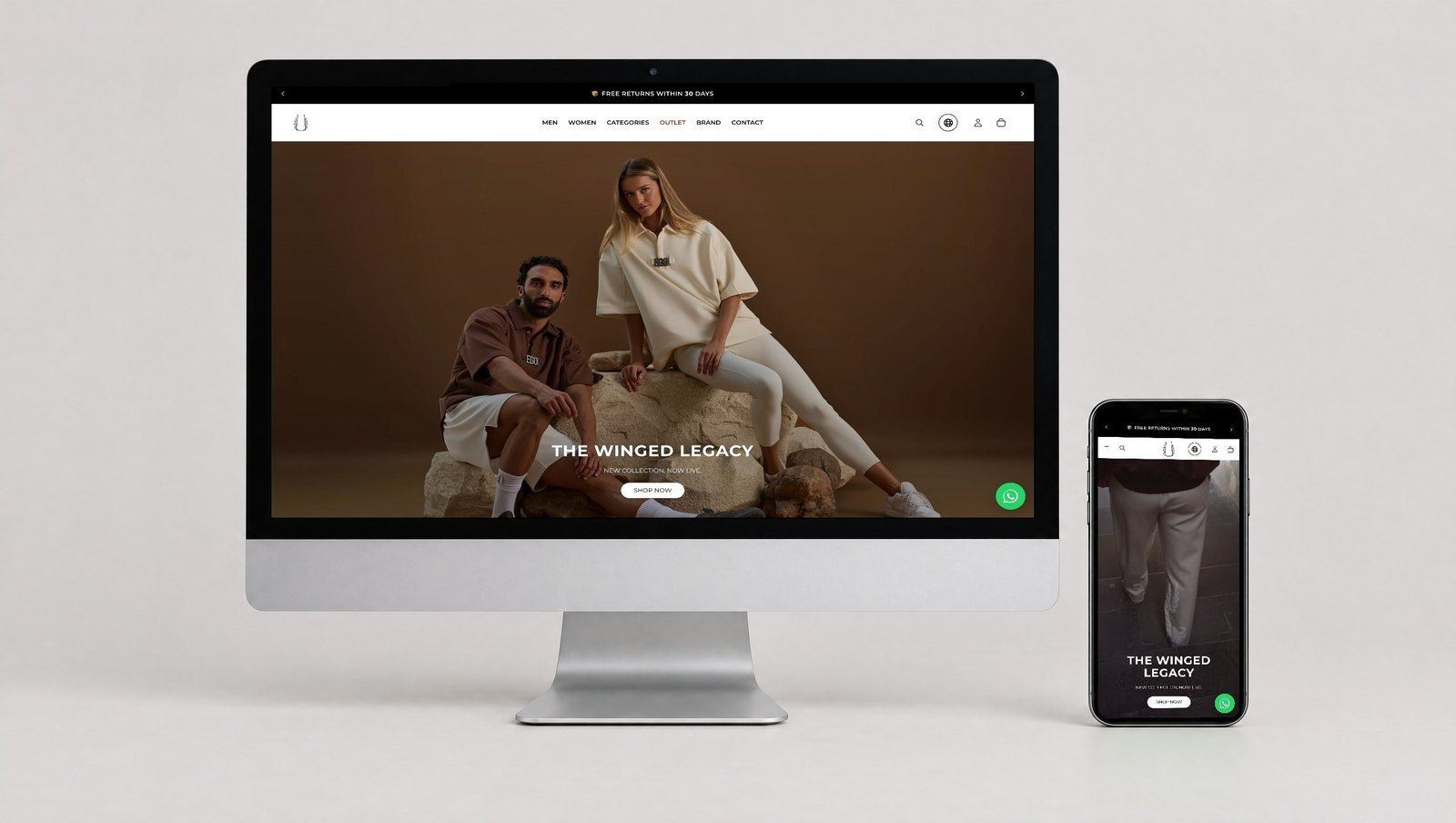
What is a headless CMS? It is a content management system that stores and organises your content but does not decide how it looks. Instead of building web pages itself, it sends content through an API to whatever displays it: a website, a mobile app, a screen in a showroom or a chatbot. For business owners, the practical meaning is more flexibility and speed for some projects, in exchange for more development work and a larger team to run it.
This guide explains the idea without jargon, sets out what it changes for budgets and teams, and is honest about the cases where headless is the wrong choice.
What is a headless CMS, in plain terms?
Think of a traditional CMS such as a standard WordPress site as a restaurant where the kitchen and the dining room are one building. Content is written, stored and served as finished pages by the same system. The theme controls the look, and editors see more or less what visitors will see.
A headless CMS keeps only the kitchen. It prepares content in structured pieces, such as a product name, a price field, a description and images, and hands them out on request. A separate front end, often built with a framework such as Next.js, decides how to present those pieces. The "head" that was removed is the presentation layer.
The three parts of a headless setup
- The content repository: where editors create and approve content. Examples include Strapi, Contentful, Sanity, or WordPress used in headless mode.
- The API: the connection that delivers content in a structured format, usually REST or GraphQL. This is why the approach is also called an api first cms.
- The front ends: the website, app or other channel that requests content and displays it.
Common platforms in brief
| Platform | How it is delivered | Typical fit |
|---|---|---|
| Strapi | Open source; self hosted or on the vendor's cloud | Teams wanting control over data location and customisation |
| Contentful | Software as a service, hosted by the vendor | Organisations preferring a managed platform with no servers to run |
| WordPress (headless) | WordPress back end with its REST API or a GraphQL plugin | Teams already trained on WordPress who want a modern front end |
| Next.js (front end) | A React framework, not a CMS | Building fast websites that read content from any headless CMS |
Next.js is often mentioned in the same breath as headless platforms, but it is the presentation side. It can generate pages ahead of time, render them on request or refresh them on a schedule, which is a large part of why headless sites can be so fast.
Headless CMS benefits that matter to a business
One content source for many channels
If the same product details, offers or articles appear on a website, an iOS and Android app and in store screens, a headless CMS lets editors update them once. This is the strongest and most common reason to go headless.
Speed and front end flexibility
Because the front end is a separate application, developers can optimise it without fighting a theme or plugin stack. Pages can be pre built and served from a content delivery network close to the visitor, which helps Core Web Vitals and the experience on mobile connections.
Security through separation
The editing system can sit behind its own login and network rules while the public site only receives published content. That reduces the attack surface compared with a site where the public pages and admin share one server, although the API and front end still need proper security work.
Structured content that lasts
Headless platforms push teams to model content as reusable fields rather than long pages. That discipline makes redesigns easier, because the content does not have to be rewritten when the presentation changes, and it makes content easier to feed into search, apps and AI tools later.
What headless changes for cost and team
Headless projects are not priced like theme based sites. Rather than quoting figures that vary widely, it is more useful to understand what drives the effort and the running cost.
Cost drivers to expect
- Front end build: every page template, form, search and preview is custom development rather than theme configuration.
- Content modelling: designing content types, fields and relationships properly takes workshops before any build starts.
- Two systems to host: the CMS and the front end, plus a content delivery network and build pipeline.
- Licences: SaaS platforms charge by users, content volume, locales or API usage; open source platforms move that cost into hosting and maintenance.
- Integrations: forms, CRM, search, analytics and ecommerce must be wired to the front end, since plugins do not exist in the same way.
- Ongoing development: new page types or layout changes usually need a developer.
For an accurate figure, ask for a quote based on a written scope listing templates, channels, languages, integrations and the expected editing workflow. Compare that with a quote for the same scope on a traditional CMS.
Skills the project needs
- A front end developer comfortable with JavaScript frameworks such as React and Next.js.
- A back end or platform developer to configure the CMS, permissions and APIs.
- DevOps support for hosting, builds, caching and monitoring.
- A content strategist or product owner who designs the content model with editors.
- Editors trained to work with structured fields and preview tools.
Smaller companies often get these skills from a partner or a dedicated development team rather than hiring them all.
When headless is a poor fit
Headless is often sold as the modern default. It is not. These are the situations where a traditional CMS is usually the better business decision.
A single marketing website with modest change
If the only channel is one website and the team updates a handful of pages a month, a well built WordPress or similar site gives faster delivery and lower running cost. Good hosting and performance work close most of the speed gap.
Marketing teams that build pages themselves
Teams used to drag and drop page builders often struggle with structured fields. Headless setups can offer visual editing and live preview, but they take extra development to set up and never feel quite like a page builder.
No ongoing developer access
If nobody will maintain the front end after launch, small changes become expensive and slow. A traditional CMS with a clear block library keeps more power with the marketing team.
Plugin dependent features
Some sites rely heavily on plugins for bookings, memberships, multilingual content or SEO tools. In headless mode many of those plugins stop affecting the public site, so each feature has to be rebuilt or replaced.
For a middle path, the article on hybrid WordPress explains how to decouple only the parts that benefit.
A quick decision checklist
| Question | Points towards headless | Points towards traditional |
|---|---|---|
| How many channels use the content? | Website plus apps, screens or partners | Website only |
| Who changes layouts? | Developers, from a design system | Marketing team, visually |
| Is there long term developer capacity? | Yes, in house or retained | Limited or project based |
| How important is front end performance? | Critical, with heavy traffic or interactivity | Important but achievable with tuning |
| Is the content highly structured? | Products, listings, courses, locations | Mainly narrative pages and posts |
Hypothetical example: an Abu Dhabi training provider publishes course listings on its website, inside a learner app and on partner portals. Each course has dates, prices, instructors and Arabic and English descriptions. A headless CMS lets one team update every channel at once, so the extra build effort pays back through fewer errors and less duplicate editing.
Hypothetical example: a Dubai consultancy with a twelve page brochure site and one marketing executive has none of those needs. A fast, well structured WordPress site serves it better.
Questions to ask before choosing a headless platform
Once headless looks right, the platform choice comes next. These questions separate a sensible shortlist from a long list of demos:
- Where is content stored and backed up? Self hosted options give control over location; SaaS platforms publish their hosting regions.
- How does the editing workflow look? Check roles, approvals, scheduled publishing and version history with real editors.
- What happens as content grows? Ask how limits on entries, locales, users or API calls are counted.
- How easy is it to leave? Confirm you can export all content and media in a usable format.
- Who supports it locally? Make sure developers in your region know the platform well enough to maintain it.
Write the answers down and score each option against the same list. A platform that wins on features but fails on workflow or exit terms usually costs more over its life.
Bilingual and regional considerations
UAE organisations frequently publish in English and Arabic. Most headless platforms support multiple locales at the field level, but right to left layouts, Arabic typography and mirrored components still have to be built on the front end. Confirm early that the chosen CMS handles locale fallback and translation workflow the way your editors expect. If customer data is collected through forms, also consider where the CMS and its backups are hosted and confirm data protection obligations under the UAE PDPL, or the DIFC or ADGM regimes where they apply, with legal counsel.
Planning a headless build with Codeeo
Codeeo designs and builds headless websites and platforms, including Next.js development, headless commerce and broader website design and development, as well as traditional WordPress builds where they fit better. The team of 80+ across Dubai, Riyadh and Karachi can assess channels, editors and integrations, then recommend the architecture that suits your business rather than the one that sounds newest. To go deeper first, read how headless WordPress with Next.js is structured, the comparison of WordPress and Strapi for multiple channels, the headless or traditional WordPress guide and the overview of CMS options. When ready, contact Codeeo to discuss your project.
Frequently asked questions
Not automatically.
Search engines care about fast, crawlable pages with good content and correct metadata. A headless site can excel at speed, but developers must handle titles, canonical tags, sitemaps, structured data and redirects that a traditional CMS plugin would provide. If those are missed, rankings can fall after launch, so include technical SEO in the build scope.
Web DevelopmentWordPress VIP or Self Hosted Enterprise WordPress in the UAEWordPress VIP or self hosted enterprise WordPress in the UAE: compare data residency, hosting SLA, cost drivers and code review rules, plus key setup notes. Web DevelopmentWhat a WordPress Maintenance SLA Should CoverWhat WordPress maintenance services should cover in writing: core and plugin updates, security, backups, multilingual publishing support and response times.
 Web DevelopmentWordPress Release Management: Staging, QA and RollbackA WordPress deployment workflow that releases safely: Git based builds, a staging site that mirrors live, smoke tests to run and a rollback plan written first.
Tell us what the business needs. We will tell you what to build first.
Schedule a free consultation and get a written recommendation, with costs, before you commit to anything.
Get in touchPROVEN RESULTS
4.7 / 5verified reviews on Google