 Web DevelopmentWordPress VIP or Self Hosted Enterprise WordPress in the UAEWordPress VIP or self hosted enterprise WordPress in the UAE: compare data residency, hosting SLA, cost drivers and code review rules, plus key setup notes.
WordPress or Strapi for Content Across Web, App and Screens
WordPress vs Strapi for content that must reach a website, mobile app and in store screens: content modelling, API delivery, editor experience and team skills.
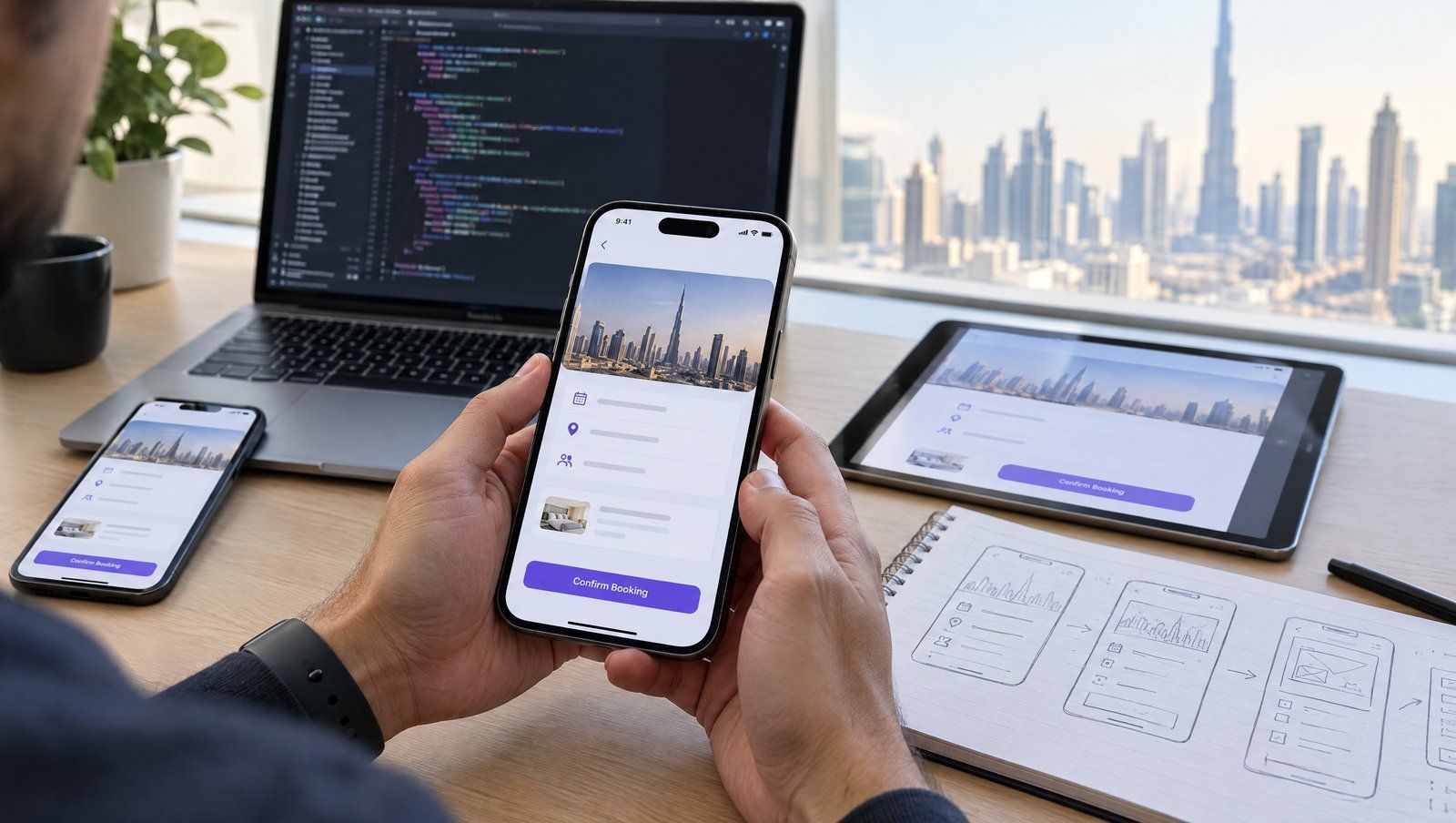
When content has to reach a website, a mobile app and in store screens at the same time, the WordPress vs Strapi choice comes down to one question: is the website the main product, or is it one channel among several? WordPress is a website platform that can also serve content through APIs, while Strapi is a headless CMS designed from the start to deliver structured content to any front end. The right answer depends on your channels, your editors and your development team.
This article focuses on multi channel delivery and the editor experience. If you only need a single company website, a simpler comparison applies, and WordPress on its own often wins.
What multi channel content really demands
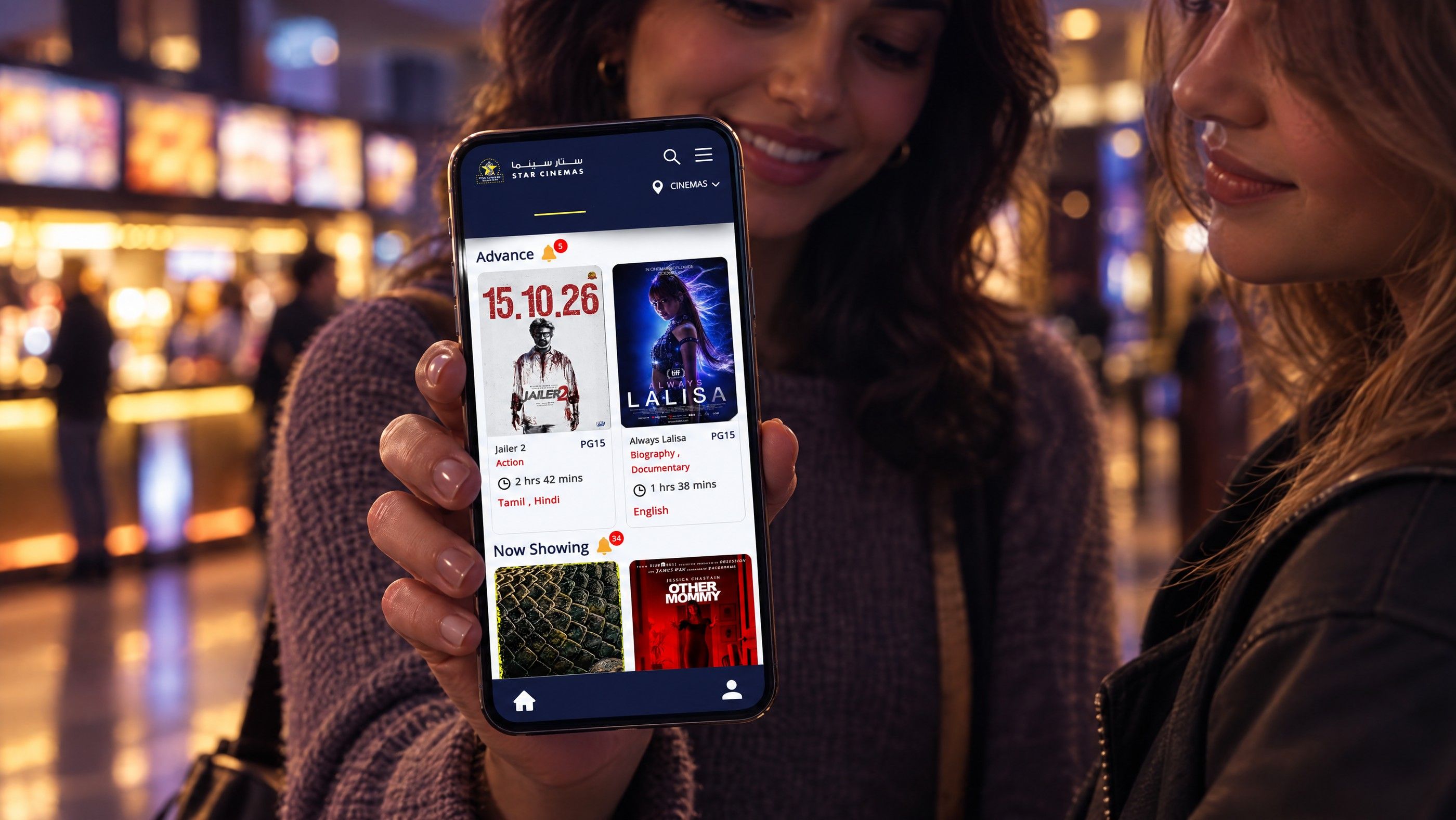
Publishing the same content to several places sounds simple until you list what each channel needs. A website wants long pages with images and SEO fields. A mobile app wants short text, structured fields and images in fixed sizes. A screen in a showroom or cinema lobby wants a headline, a visual and a schedule, with nothing else.
Multi channel content works best when it is stored as structured data rather than as finished pages. Instead of one rich text block called "body", an offer might be stored as title, short description, long description, image, start date, end date and locations. Each channel then picks the fields it needs and lays them out in its own way.
That shift, from pages to content models, is the real decision. The CMS is the tool that holds the model.
Questions to answer first
- How many channels exist today, and how many are planned in the next two to three years?
- Is the website the main revenue channel, or does the app or in store experience matter more?
- Do editors think in pages or in reusable items such as products, offers, events and locations?
- Is content published in more than one language, such as English and Arabic?
- Which team will build and maintain the front ends?
WordPress vs Strapi: how each one handles content
WordPress: page first, API available
WordPress was built to manage and render websites. Its editor, themes and plugins are all designed around pages and posts that become HTML on the server. It also includes a REST API that exposes posts, pages, users and other data as JSON, and community plugins add GraphQL. That makes headless WordPress possible: WordPress holds the content, and a separate front end, such as a Next.js site or a mobile app, fetches it through the API.
The strengths are familiarity and ecosystem. Many marketing teams already know the WordPress editor, and plugins exist for SEO, forms, multilingual content and more. The weakness for multi channel work is that much of that ecosystem assumes WordPress is rendering the page. In a headless setup, plugins that change front end output, such as page builders or SEO plugins that print tags into the theme, do not affect the app or screen. Their data has to be exposed through the API and handled in each front end.
Strapi: content model first, every channel equal
Strapi is an open source headless CMS. Developers define content types and fields, and Strapi generates REST and GraphQL APIs for them automatically. It includes draft and publish, role based access control and internationalisation as standard features. Strapi can be self hosted on your own infrastructure or run on Strapi Cloud.
Because Strapi does not render any front end, no channel is privileged. The website, app and screens all consume the same API in the same way. The trade off is that Strapi has no theme layer, so every channel needs a front end built by developers, and editors do not see a live page while they work unless a preview is specifically built for them.
Side by side for multi channel delivery
| Factor | WordPress (traditional or headless) | Strapi |
|---|---|---|
| Core design | Website platform with an API | Headless CMS built around APIs |
| API content delivery | REST API built in; GraphQL through plugins | REST and GraphQL generated from content types |
| Content modelling | Posts, pages and custom post types, usually extended with field plugins | Content types, components and dynamic zones defined directly |
| Editor experience | Familiar block editor with visual page editing | Form based editing of structured fields; preview needs setup |
| Website without extra build | Yes, through themes | No, a front end is always needed |
| Plugin ecosystem | Very large, but much of it is website focused | Smaller marketplace, developer oriented |
| Permissions | Roles and capabilities, extended by plugins | Role based access control built in |
| Hosting | Any PHP host or managed WordPress host | Node.js hosting or Strapi Cloud |
Both products update regularly. Check the current documentation for each before committing to a feature that matters to your project.
The editor experience decides adoption
Architecture diagrams rarely show the person who updates content every morning. If editors find the CMS awkward, they will work around it, and the multi channel model breaks down.
Where WordPress feels easier
Marketing teams that publish articles, landing pages and campaigns usually prefer WordPress. They can arrange blocks, see the page as visitors will and publish without a developer. For a website first business, that speed matters more than architectural purity.
Where Strapi feels easier
Teams that manage catalogues, schedules, locations or app content often find Strapi clearer. Each item has defined fields, required fields are enforced, and there is less temptation to paste formatted text that breaks on a small screen. A content manager updating a promotion can change it once and know it will appear correctly on the site, the app and every screen.
Making either one work for editors
- Name fields in the language editors use, not developer terms.
- Add help text that explains where each field appears.
- Build previews for the channels that matter most.
- Limit rich text where channels cannot display it properly.
- Set up roles so each team only sees the content it manages.
Hypothetical scenarios
Hypothetical example: a Dubai retailer runs a busy blog and campaign pages, plus a small app that shows store locations and current offers. The website is the main channel. Headless or hybrid WordPress fits well, with offers and locations stored as custom post types and exposed to the app through the REST API.
Hypothetical example: an entertainment operator in the UAE publishes listings, showtimes and promotions to a website, iOS and Android apps, and lobby screens across several sites. No single channel dominates, and content is highly structured. Strapi fits better, with one content model feeding every front end.
Hypothetical example: a property developer needs an English and Arabic website now and plans an app in two years. Starting with WordPress keeps launch simple, but designing the content model carefully from day one, with structured fields for projects, units and amenities, avoids a painful rebuild when the app arrives.
Cost and team considerations
Neither option carries licence fees for the core open source software, but the total cost of each setup differs in shape. These are the factors that move the budget:
- Number of front ends. Every channel that needs its own interface needs design, development and testing. Strapi always needs at least one; traditional WordPress can render the website itself.
- Content modelling effort. A well designed model takes workshops and iteration, whichever CMS you choose.
- Preview and editorial tooling. Live previews for headless setups are custom work.
- Hosting and operations. Running a CMS plus separate front ends means more services to monitor, update and secure.
- Team skills. WordPress talent is widespread. Strapi work needs JavaScript and Node.js experience.
For an accurate quote, prepare a list of channels, the main content types, languages, integrations and the roles of everyone who edits content.
Related decisions
If you are still deciding whether headless suits you at all, start with headless CMS explained for business owners. For a website first business that wants some API delivery without full headless complexity, read the case for hybrid WordPress. The wider overview of CMS options in 2026 covers enterprise platforms too, and larger organisations comparing suites can read headless WordPress, Sitecore or AEM.
Getting the architecture right before you build
Codeeo designs and builds websites, mobile apps and custom software, so a multi channel project can be planned as one system rather than separate builds. The team of 80+ across Dubai, Riyadh and Karachi works with WordPress, headless setups and Next.js front ends, and UAE clients can meet the team in person at the Dubai office.
A useful first step is a content modelling session: list your channels, map your content types and decide which CMS fits the result. From there, our WordPress development, Next.js development and mobile app development teams can deliver the CMS and the front ends together. Get in touch to plan your content architecture.
Frequently asked questions
Yes, though it adds complexity.
Some organisations keep WordPress for the marketing website and blog, where editors value the visual editor, and use Strapi for structured content such as products, locations or app data. Front ends then call both APIs. This works when the boundary between the two is clear; if the same content lives in both systems, editors will duplicate work and errors creep in.
Web DevelopmentWordPress VIP or Self Hosted Enterprise WordPress in the UAEWordPress VIP or self hosted enterprise WordPress in the UAE: compare data residency, hosting SLA, cost drivers and code review rules, plus key setup notes. Web DevelopmentWhat a WordPress Maintenance SLA Should CoverWhat WordPress maintenance services should cover in writing: core and plugin updates, security, backups, multilingual publishing support and response times.
 Web DevelopmentWordPress Release Management: Staging, QA and RollbackA WordPress deployment workflow that releases safely: Git based builds, a staging site that mirrors live, smoke tests to run and a rollback plan written first.
Tell us what the business needs. We will tell you what to build first.
Schedule a free consultation and get a written recommendation, with costs, before you commit to anything.
Get in touchPROVEN RESULTS
4.7 / 5verified reviews on Google