 Web DevelopmentWordPress VIP or Self Hosted Enterprise WordPress in the UAEWordPress VIP or self hosted enterprise WordPress in the UAE: compare data residency, hosting SLA, cost drivers and code review rules, plus key setup notes.
Voice Interfaces on Websites and Apps: Where They Help
Voice user interface design for websites and apps: where speech helps with accessibility, Arabic dictation, in car use and AI assistants, and where it costs.

Good voice user interface design adds speech only where it removes real effort: filling long forms on a phone, searching in Arabic, using an app while driving, or helping people who cannot easily type or tap. Everywhere else, a voice feature tends to add build and testing cost without changing what users do. The useful question is not "should we have voice?" but "which task gets faster or more accessible when people can speak?"
Older advice centred on smart speakers. Today the practical opportunities sit inside ordinary websites and apps.
What voice user interface design means today
A voice UI is any part of a product that takes spoken input, gives spoken output, or both. Most of these features do not need a custom speech engine.
Four common forms of voice ui
- Dictation into text fields. The phone keyboard already offers a microphone. Your job is to make sure your fields accept and handle the text it produces.
- Voice search. A microphone button on a site or app search bar that turns speech into a query.
- Voice commands. Short spoken instructions such as "track the order" or "repeat the last step", common in apps used with busy hands.
- Conversational assistants. An AI assistant that understands a spoken request, asks follow up questions and completes a task or hands over to a person.
On the web, browsers expose speech through the Web Speech API, which has two parts: speech recognition, which turns microphone input into text, and speech synthesis, which reads text aloud. MDN notes that recognition uses a service from the user's platform by default and can run on the device where supported. Browser support differs, so any web voice feature needs a fallback.
Where voice genuinely helps
Accessibility for people who struggle to type or tap
The strongest case for voice is accessibility, and much of it comes from the operating system rather than from your product. Apple's Voice Control and Android's Voice Access let people operate a phone by speaking. Google's help pages describe commands such as "Scroll down" or "Tap compose", and a "Show numbers" command that labels every control on screen.
This only works if your interface is built properly. WCAG 2.5.3 Label in Name, a Level A success criterion, requires that a control's accessible name contains its visible label text. W3C explains why: speech users say what they see, so a button that reads "Book now" but is coded with a different name will not respond to "click Book now".
Arabic dictation and mixed language input
Many UAE users switch between Arabic and English in the same session. Apple's feature availability page lists Arabic dictation variants, including Arabic for the United Arab Emirates. Many visitors can already dictate Arabic into your forms.
Arabic voice recognition then raises practical design questions:
- Do your search and forms accept Arabic script, and does search match spelling variations?
- Do fields switch to right to left text direction automatically when Arabic is entered?
- Does your product catalogue or knowledge base hold Arabic terms, or will a correct dictated query return nothing?
- If you offer spoken replies, does the voice read Arabic naturally, and have native speakers reviewed it?
Accuracy also varies across dialects, accents and noisy environments. Test with real speakers from your audience rather than relying on a vendor demo.
In car and busy hands use
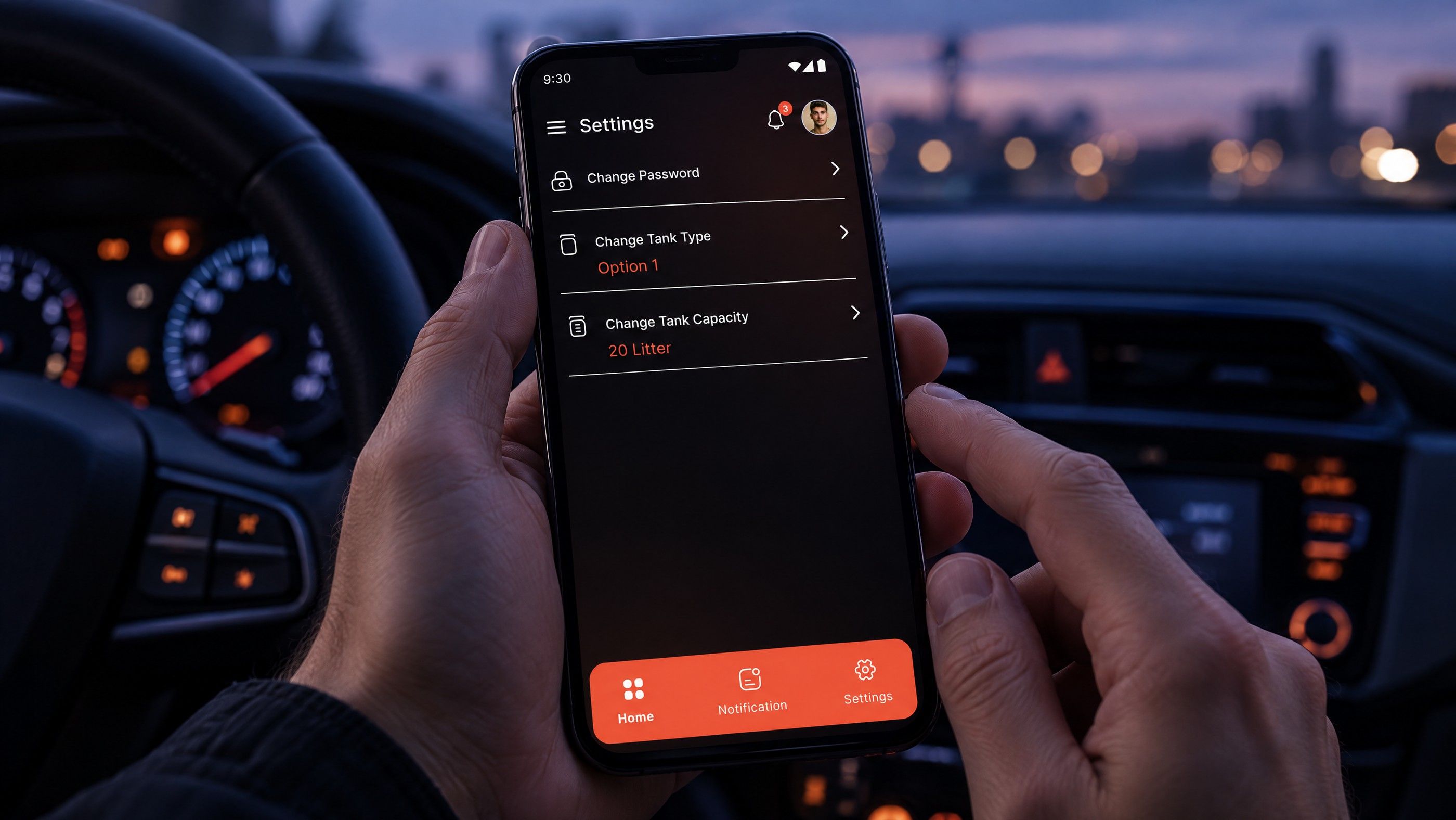
Apps used on the move are natural candidates: delivery and logistics tools, fleet and field service apps, fitness and navigation apps. Here a short voice command can replace several taps at a moment when looking at the screen is unsafe or awkward. Design work focuses on short, predictable commands and spoken confirmations.
AI assistants that accept speech
Voice is now often a front end to an AI assistant rather than a fixed command list. A customer can ask to move a delivery to Thursday in their own words, and the assistant interprets the request, checks the order and confirms. Speech then inherits every weakness of the assistant: wrong answers, missing data and unclear escalation.
Where voice adds cost without benefit
Many voice features launch because they demo well, then go unused.
| Situation | Why voice rarely pays back | Better investment |
|---|---|---|
| Browsing a product catalogue | People compare visually; speech hides options | Faster filters and clearer product images |
| Short forms on desktop | Typing is already quick and accurate | Fewer fields and better validation |
| Sensitive data such as passwords or ID numbers | Speaking aloud in public is a privacy risk | Autofill, UAE Pass or secure sign in options |
| Open plan offices and public spaces | Users avoid talking to devices around others | Keyboard shortcuts and good search |
| Brand novelty with no task behind it | Use drops quickly after launch | Fix the slowest real task first |
Voice also creates ongoing work: permission flows, error states, privacy notices and testing across devices and languages. Without a clear task, that work is pure cost.
A practical way to decide
Step 1: Find the task, not the feature
List the tasks where users struggle most on mobile. Research with real users, as described in our guide to human centred web design, will show whether typing, reading or navigation is the actual barrier.
Step 2: Fix accessibility basics first
Check labels, button names and focus order against WCAG. This helps voice control users immediately and costs far less than a custom feature.
Step 3: Use platform voice before building your own
Keyboard dictation, operating system assistants and browser speech features cover many needs. Make sure your fields, search and content work well with them.
Step 4: Pilot one voice feature with a fallback
If a task still needs voice, build one narrow feature, keep a visible typed alternative, and measure use and completion before expanding.
Hypothetical example: a school group's parent app gets frequent complaints that finding the bus timetable takes too long. Before adding a voice assistant, the team fixes search so it understands Arabic and English terms, and checks that dictated queries return the right page. Only after that does a short "where is the bus?" voice command make sense, with a typed search kept alongside it. Our article on school and university websites covers the wider audience needs.
Teams tempted by plug in voice widgets on low code platforms should also read about where low code and no code websites break, since third party widgets can add weight and privacy questions.
Privacy and data handling
Voice input is personal data, and recordings can reveal more than the words typed. Be clear about whether audio is processed on the device, by a platform service or by your own provider, how long transcripts are kept, and who can access them. In the UAE, the Personal Data Protection Law (Federal Decree-Law No. 45 of 2021) sets the general framework, with separate regimes in DIFC and ADGM. Confirm your position with counsel before storing voice data.
Getting help with voice features in your product
If research shows that voice would make a real task faster or more accessible, Codeeo can help through UI/UX design, mobile app development and AI integration for assistants that accept spoken requests. Often the first step is simpler: making sure your labels, search and Arabic content already work for people who dictate. Contact us to talk through your product.
Frequently asked questions
Rarely.
Phone keyboards, operating system assistants and browser speech features already turn speech into text for most users. Custom recognition only makes sense for specialised vocabularies, strict data handling needs or offline environments. Start by testing how well your existing fields, search and content handle dictated input, then decide whether anything custom is still needed.
Web DevelopmentWordPress VIP or Self Hosted Enterprise WordPress in the UAEWordPress VIP or self hosted enterprise WordPress in the UAE: compare data residency, hosting SLA, cost drivers and code review rules, plus key setup notes. Web DevelopmentWhat a WordPress Maintenance SLA Should CoverWhat WordPress maintenance services should cover in writing: core and plugin updates, security, backups, multilingual publishing support and response times.
 Web DevelopmentWordPress Release Management: Staging, QA and RollbackA WordPress deployment workflow that releases safely: Git based builds, a staging site that mirrors live, smoke tests to run and a rollback plan written first.
Tell us what the business needs. We will tell you what to build first.
Schedule a free consultation and get a written recommendation, with costs, before you commit to anything.
Get in touchPROVEN RESULTS
4.7 / 5verified reviews on Google