 Web DevelopmentWordPress VIP or Self Hosted Enterprise WordPress in the UAEWordPress VIP or self hosted enterprise WordPress in the UAE: compare data residency, hosting SLA, cost drivers and code review rules, plus key setup notes.
Mobile Friendly Is Not Enough: What UAE Visitors Expect on Phones
A mobile friendly website is only the start. See what UAE phone visitors expect, from WhatsApp taps to Arabic forms, plus a ten minute self test for your site.
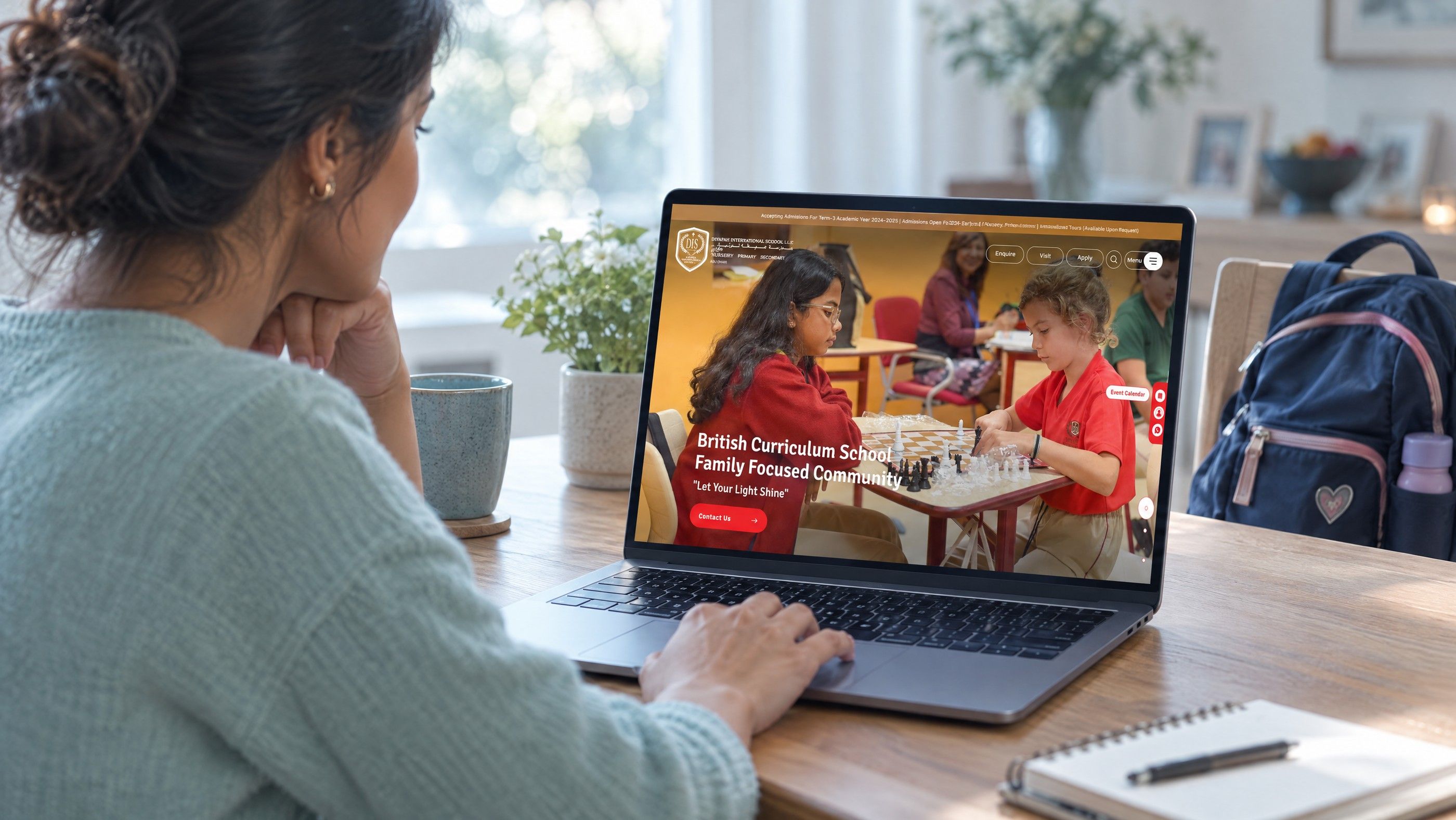
A mobile friendly website is one that fits a phone screen, but fitting is only the starting point. UAE visitors expect to tap straight into WhatsApp, call without copying a number, open your location in their maps app and fill a form with a keyboard that suits the field, all with one thumb. If any of those steps fails, the page may look fine and still lose the enquiry.
Why a mobile friendly website is the baseline, not the goal
Google states that it uses the mobile version of a site's content, crawled with a smartphone agent, for indexing and ranking. In practical terms, the phone version of your page is the version search engines judge. If content, headings or structured data exist only on desktop, they may as well not exist. Google's mobile first indexing documentation covers this in detail.
Google also retired its old Mobile Friendly Test tool and the matching Search Console report at the end of 2023. A layout that squeezes onto a small screen tells you little. What matters is whether a visitor can complete the task they came for.
Responsive layout versus usable on a phone
Responsive design means the layout rearranges itself for the screen width. Usable on a phone means a person standing in a mall car park, holding a coffee, can find your number and reach you in a few taps. The second can only be checked by watching someone use the page.
How UAE visitors actually use your site on a phone
UAE visitors tend to leave your website quickly for another app. A good phone experience hands them over cleanly.
WhatsApp first contact
For many service businesses, WhatsApp is the preferred first message. A visible WhatsApp button that opens a chat with your business number, ideally with a short prefilled message, removes the step of saving a contact. WhatsApp's own help centre describes the click to chat link format, which uses your number in full international format. Test the link on both iPhone and Android, and make sure the number has an active WhatsApp Business account behind it.
Tap to call that works
A phone number written as plain text, or worse, inside an image, forces the visitor to copy it. Every number on the site should be a tap to call link with the full country code. Check the header, footer and contact page all use the same number.
Map links that open the right app
A visitor looking for your showroom wants directions, not an embedded map that traps their scroll. A clear "Get directions" link to your Google Business Profile or map pin lets the phone open whichever maps app the person uses.
Arabic and English, sometimes on the same page
Many UAE visitors switch between Arabic and English keyboards. Forms should accept Arabic names without throwing errors, and the Arabic version of the site should read right to left, with icons, arrows and form labels mirrored correctly. A language switcher that drops people on the home page instead of the equivalent page loses visitors.
Keyboards that match the field
Phone number fields should bring up a number pad. Email fields should show the @ key. These are small details in the code, but on a phone they decide whether a form takes twenty seconds or two minutes.

Thumb friendly navigation and tap targets
Most people hold a phone in one hand and reach with the thumb. Controls near the bottom and centre of the screen are easy to hit. Controls in the top corners are a stretch.
Size and spacing
The Web Content Accessibility Guidelines set a minimum target size of 24 by 24 CSS pixels for Level AA, with some exceptions for spacing and inline links. See the W3C explanation of target size. Treat that as the floor. Primary actions such as Call, WhatsApp and Book should be noticeably larger, with clear space around them so a tap does not land on the neighbouring link.
Menus that do not hide the point
- Keep the two or three actions that make money visible without opening the menu.
- Use a sticky bottom bar for contact actions if your visitors mainly call or message.
- Keep menu labels short and plain. "Services" beats a clever brand phrase.
Mobile page speed on real UAE connections
Speed on a phone is limited by more than the connection. Heavy scripts, large images and chat widgets all compete for a phone's processor. A page can download quickly and still feel slow to respond to a tap.
Google's Core Web Vitals give three measures worth tracking: Largest Contentful Paint for loading, Interaction to Next Paint for responsiveness, and Cumulative Layout Shift for visual stability. According to web.dev, good thresholds are 2.5 seconds or less for LCP, 200 milliseconds or less for INP, and 0.1 or less for CLS, measured at the 75th percentile of page loads.
Where phone speed usually goes
- Hero images or videos sized for a large desktop screen and sent unchanged to phones.
- Several tracking, chat and popup scripts loading before the main content.
- Cookie banners and popups that push content down after it appears, causing layout shift.
For a structured approach, see the guide to speeding up a slow website in the right order, and the walk through on reading a GTmetrix report.
The ten minute mobile usability test
Run this on your own phone, on mobile data rather than office WiFi, and ideally ask one colleague who does not know the site to try it too.
| Minute | What to do | What a pass looks like |
|---|---|---|
| 1 | Search for your business name and open the site | Main headline and a contact action visible without scrolling |
| 2 | Tap the phone number | The dialler opens with the full number, country code included |
| 3 | Tap the WhatsApp button | A chat opens with your business, ideally with a prefilled message |
| 4 | Tap the directions link | Your maps app opens on the correct location |
| 5 | Open the menu and visit your main service page | Menu is easy to open, close and read with one thumb |
| 6 | Fill the enquiry form with an Arabic name | No errors, correct keyboards for phone and email |
| 7 | Submit the form | A clear confirmation appears, and the enquiry reaches your inbox or CRM |
| 8 | Switch language | You land on the same page in the other language, with correct direction |
| 9 | Rotate the phone sideways | Nothing overlaps or gets cut off |
| 10 | Scroll a long page quickly | No jumping content, no popups blocking the screen |
Note every step that failed or made you hesitate. Those notes describe what your customers experience better than any automated score.
Hypothetical example: a clinic losing calls
Hypothetical example: a dental clinic in Abu Dhabi has a site that looks tidy on phones. During the self test, the owner finds the phone number in the header is an image, the WhatsApp button opens a personal number that nobody monitors after hours, and the booking form rejects names typed in Arabic. None would show up as a "mobile friendly" failure, yet each one quietly turns away patients.
Mobile website design choices that help enquiries
Once the basics work, a few design decisions matter most on small screens.
- Lead with the answer. State what you do and where, in one short line, before any slider or video.
- One primary action per screen. Repeat it as the visitor scrolls rather than stacking five competing buttons.
- Shorter forms. Ask only for what you need to reply. Name, phone and a short message often cover it.
- Visible trust signals. Reviews, licence details or recognisable work should appear on the phone version, not only in a desktop sidebar.
If you are planning a new build rather than fixing an existing one, the comparison of mobile first and responsive approaches explains how to decide the process. Watching real users is covered in turning user research into better pages.
Get a phone ready site from Codeeo
If your self test turned up more than two or three failures, it is usually quicker to fix them as one piece of work than one by one. Codeeo's team in Dubai handles website design and development and UI/UX design built around how people use phones, and can tune loading and responsiveness through Core Web Vitals work. With 200+ projects delivered across the UAE and the US, the team can start with a website audit to list what is costing you enquiries. Contact Codeeo to arrange a review or meet the team at the Dubai office.
Frequently asked questions
Google retired its Mobile Friendly Test and the related Search Console report in December 2023.
Lighthouse in Chrome DevTools and PageSpeed Insights now report on speed, accessibility and viewport set up. Neither replaces testing on a real phone, because they cannot tell you whether a WhatsApp link reaches a monitored number or whether a form works in Arabic.
Web DevelopmentWordPress VIP or Self Hosted Enterprise WordPress in the UAEWordPress VIP or self hosted enterprise WordPress in the UAE: compare data residency, hosting SLA, cost drivers and code review rules, plus key setup notes. Web DevelopmentWhat a WordPress Maintenance SLA Should CoverWhat WordPress maintenance services should cover in writing: core and plugin updates, security, backups, multilingual publishing support and response times.
 Web DevelopmentWordPress Release Management: Staging, QA and RollbackA WordPress deployment workflow that releases safely: Git based builds, a staging site that mirrors live, smoke tests to run and a rollback plan written first.
Tell us what the business needs. We will tell you what to build first.
Schedule a free consultation and get a written recommendation, with costs, before you commit to anything.
Get in touchPROVEN RESULTS
4.7 / 5verified reviews on Google