 Web DevelopmentWordPress VIP or Self Hosted Enterprise WordPress in the UAEWordPress VIP or self hosted enterprise WordPress in the UAE: compare data residency, hosting SLA, cost drivers and code review rules, plus key setup notes.
Why WordPress Still Earns Its Place in the AI Era
Is WordPress still relevant now AI builds sites? Usage data, the block editor, the new Abilities API and where WordPress still gives business sites best value.
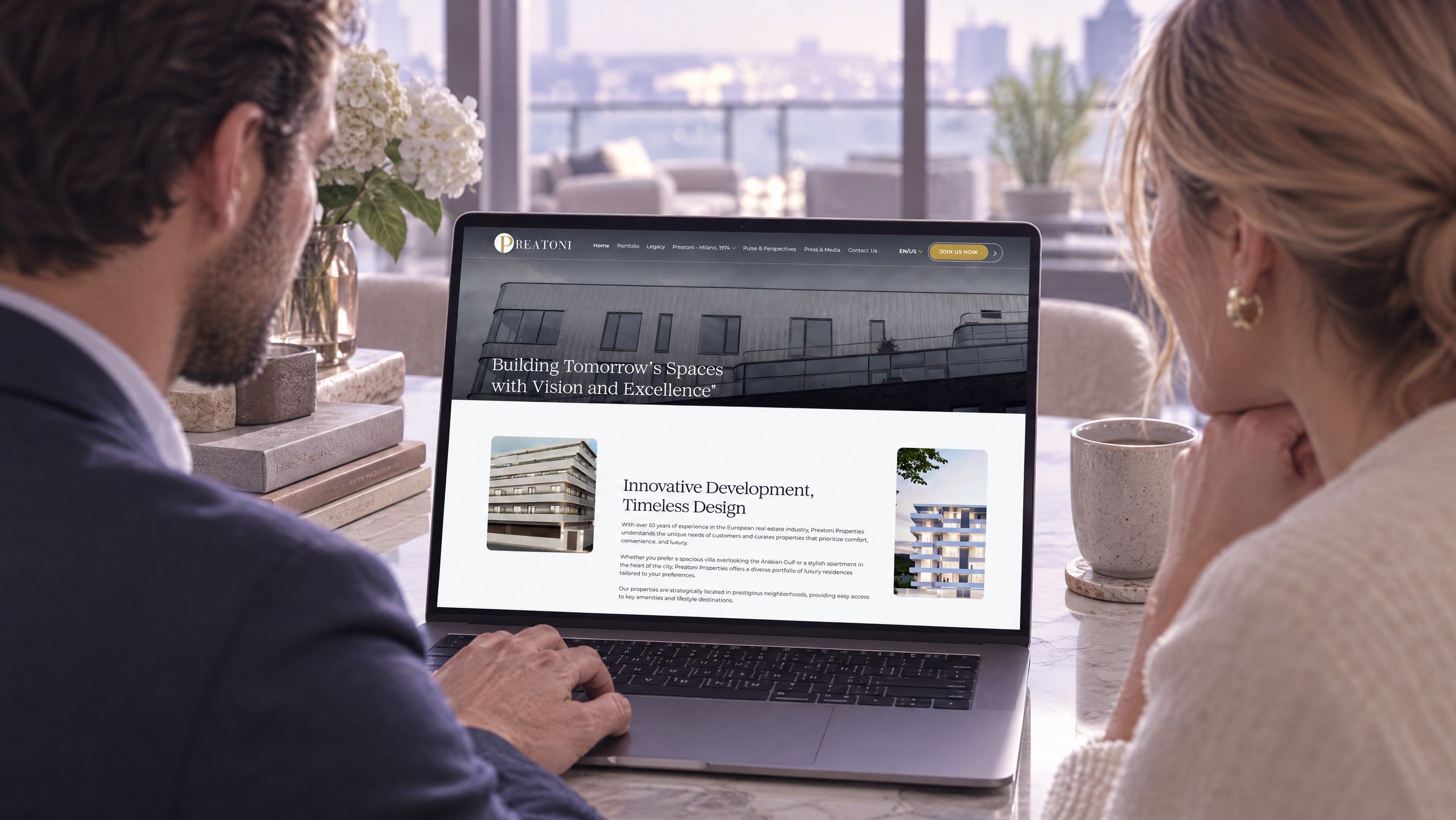
Is WordPress still relevant now that AI tools can draft pages and generate whole sites in minutes? For most content led business websites, yes. WordPress remains the most widely used CMS on the web, it is open source, and its core is now adding the building blocks that let AI assistants work with a site rather than replace it.
This article is the counterpart to our guide on choosing between WordPress, a DXP and headless. It looks at where WordPress gives the best value today, what has changed with AI, and where the honest limits sit.
What the usage data says
W3Techs, which surveys the technologies used by websites, continues to rank WordPress as the most used content management system by a wide margin, ahead of hosted platforms such as Shopify, Wix and Squarespace. The figures move a little each month, so check the current W3Techs CMS survey for the latest numbers rather than relying on a figure quoted in an article.
Market share alone is not a reason to choose a platform. What it does mean in practice:
- Talent is easy to find. Developers, designers and editors who know WordPress are available in the UAE and worldwide, so the business is not tied to one supplier.
- The ecosystem is deep. Most marketing, analytics, CRM and payment tools offer a WordPress integration.
- Problems are well documented. Most issues a team will meet have been solved and written up before.
- The platform will be maintained. A project with this many users and contributors is unlikely to be abandoned.
Is WordPress still relevant for business websites in the AI era?
AI changes how content is produced and how sites are assembled. It does not remove the need for a reliable place to store, govern and publish that content. Four things keep WordPress relevant.
1. Ownership of content and code
WordPress is released under the GPL, an open source licence. The site can be hosted anywhere, moved between hosts and exported. For a business that has spent years building content and search visibility, owning that asset matters more than the speed of the first draft.
2. The block editor suits structured, reusable content
The block editor treats pages as arrangements of blocks: headings, images, calls to action, testimonials and custom components. Developers can build blocks that match the brand's design system and lock layouts so editors cannot break them. That structure is also what AI tools work best with, because a block is a clear unit to generate, review or translate.
3. AI is arriving in the core, not only in plugins
WordPress has an AI team working on what it calls AI building blocks. A notable step is the Abilities API introduced in WordPress 6.9, which gives a standard way to describe what a site can do, with defined inputs, outputs and permissions. The WordPress core announcement explains the design, and the AI team describes adapters that let AI assistants discover and use those abilities.
The practical outcome is that AI assistants can be given controlled, permission checked access to tasks such as drafting a post or updating a product, instead of being bolted on through fragile workarounds. Features and timelines in this area are still developing, so confirm the current state on WordPress.org before planning around a specific release.
4. WordPress AI plugins cover everyday tasks
Plugins already help with drafting, summarising, alt text, translation, search and chat. Treat them like any other plugin: check who maintains them, what data they send to which AI provider, and whether that is acceptable under the UAE Personal Data Protection Law or any sector rules that apply to the business.
5. It works with the rest of the stack
Most businesses do not run their website in isolation. Enquiries flow into a CRM, orders into an ERP, and campaign data into analytics and advertising platforms. WordPress exposes content and data through its REST API and can be extended with custom endpoints, so it can sit alongside Microsoft Dynamics 365, Odoo, HubSpot or a custom system without forcing the business onto one vendor's suite. The same API also lets a team add a separate front end later, such as a Next.js site or a mobile app, while editors keep the publishing interface they already know. That flexibility is harder to achieve on closed site builders, where integrations are limited to what the vendor chooses to support and content may be difficult to move if requirements change.

Where WordPress gives the best value in 2026
WordPress is not the answer to everything, but it is hard to beat in these situations.
| Site type | Why WordPress fits |
|---|---|
| Corporate and brand websites | Strong editing, custom blocks, easy publishing for marketing teams |
| Content and SEO led sites | Mature SEO tooling, clean URLs, scheduling, revisions and categories |
| Bilingual English and Arabic sites | Right to left support in core and established multilingual plugins |
| Small to mid sized stores | WooCommerce adds products, checkout and payment gateways on the same platform |
| Campaign and landing pages | Reusable patterns let marketers launch pages without a developer |
| Sites that will feed other channels | The REST API allows a hybrid or headless front end later |
For the cases where it is the wrong tool, such as complex applications, heavy transactional systems or strict audit needs, see when WordPress is the wrong choice.
How AI changes the way WordPress sites are built and run
Faster first drafts, same need for review
AI can produce outlines, draft copy and suggest page structures quickly. Someone still has to check facts, tone, legal claims and brand fit. WordPress revisions, roles and approval workflows give that review a home.
Prototypes become production faster
Many teams now sketch a site in an AI builder to agree the direction, then build the production version on WordPress for ownership, performance and maintainability. We cover that path in AI website builders versus WordPress for a production site.
Support and search inside the site
AI search and chat assistants can be connected to WordPress content, answering visitor questions from approved pages. The content stays in WordPress; the assistant reads it through the API.
Governance matters more, not less
Every AI plugin is another piece of third party code with access to content and sometimes customer data. A lean, reviewed plugin list is the best protection. Our guide to plugin governance sets out a practical approval process.
Honest limits to keep in view
- Maintenance is your responsibility on self hosted WordPress: updates, backups and security monitoring need an owner.
- Plugin sprawl slows sites and raises risk; each one should earn its place.
- Performance depends on hosting, theme quality and caching; a poorly built theme undoes the platform's advantages.
- Application logic such as portals or complex workflows is better built as a separate service.
When a fully headless setup feels like too much, a hybrid can help. Read hybrid WordPress for when headless is overkill.
A checklist for a WordPress build that lasts
- Start from a custom theme or a lightweight block theme, not a heavy multipurpose theme.
- Build reusable blocks and patterns that match the brand's design system.
- Keep plugins to a reviewed minimum, with a named owner for each.
- Plan English and Arabic content structure from the start if both are needed.
- Set up staging, automated backups and an update routine before launch.
- Decide which AI tools may access content, and what data they may send outside the site.
- Measure Core Web Vitals after launch and after major changes.
Hypothetical example: a Dubai property developer wants a new bilingual website and is tempted by an AI builder that produced an attractive mock up in an afternoon. The team keeps the mock up as a design reference, then builds the production site on WordPress with custom blocks for projects, floor plans and enquiry forms. Marketing gains the ability to publish new launches without developers, the content stays in an environment the company controls, and AI assistance is added later through a vetted plugin for drafting and translation.
Build a WordPress site that is ready for what comes next
Codeeo designs and develops WordPress websites with custom blocks, bilingual content and lean plugin sets, and adds AI integration where it genuinely helps editors or visitors. Codeeo has delivered 200+ projects across the UAE and the US, holds a 4.7 rating from 23 Google reviews, and works from an office in Dubai where clients can meet the team. For an existing site, a website audit is a sensible first step.
Tell us about your site through the contact page.
Frequently asked questions
For quick prototypes and simple one page sites, AI builders are already a reasonable choice.
For business sites that need ownership, integrations, multilingual content, editorial workflows and long term SEO, they are not yet a replacement. Many builders also lock content into their own hosting. A common pattern is to use AI tools for ideas and drafts and WordPress as the production platform where content is governed and published.
Web DevelopmentWordPress VIP or Self Hosted Enterprise WordPress in the UAEWordPress VIP or self hosted enterprise WordPress in the UAE: compare data residency, hosting SLA, cost drivers and code review rules, plus key setup notes. Web DevelopmentWhat a WordPress Maintenance SLA Should CoverWhat WordPress maintenance services should cover in writing: core and plugin updates, security, backups, multilingual publishing support and response times.
 Web DevelopmentWordPress Release Management: Staging, QA and RollbackA WordPress deployment workflow that releases safely: Git based builds, a staging site that mirrors live, smoke tests to run and a rollback plan written first.
Tell us what the business needs. We will tell you what to build first.
Schedule a free consultation and get a written recommendation, with costs, before you commit to anything.
Get in touchPROVEN RESULTS
4.7 / 5verified reviews on Google